Free Microsoft Word Checklists Templates
With DocsAutomator's free Microsoft Word Templates, a curated collection of professionally designed free document templates, you can streamline your work and enhance your productivity.

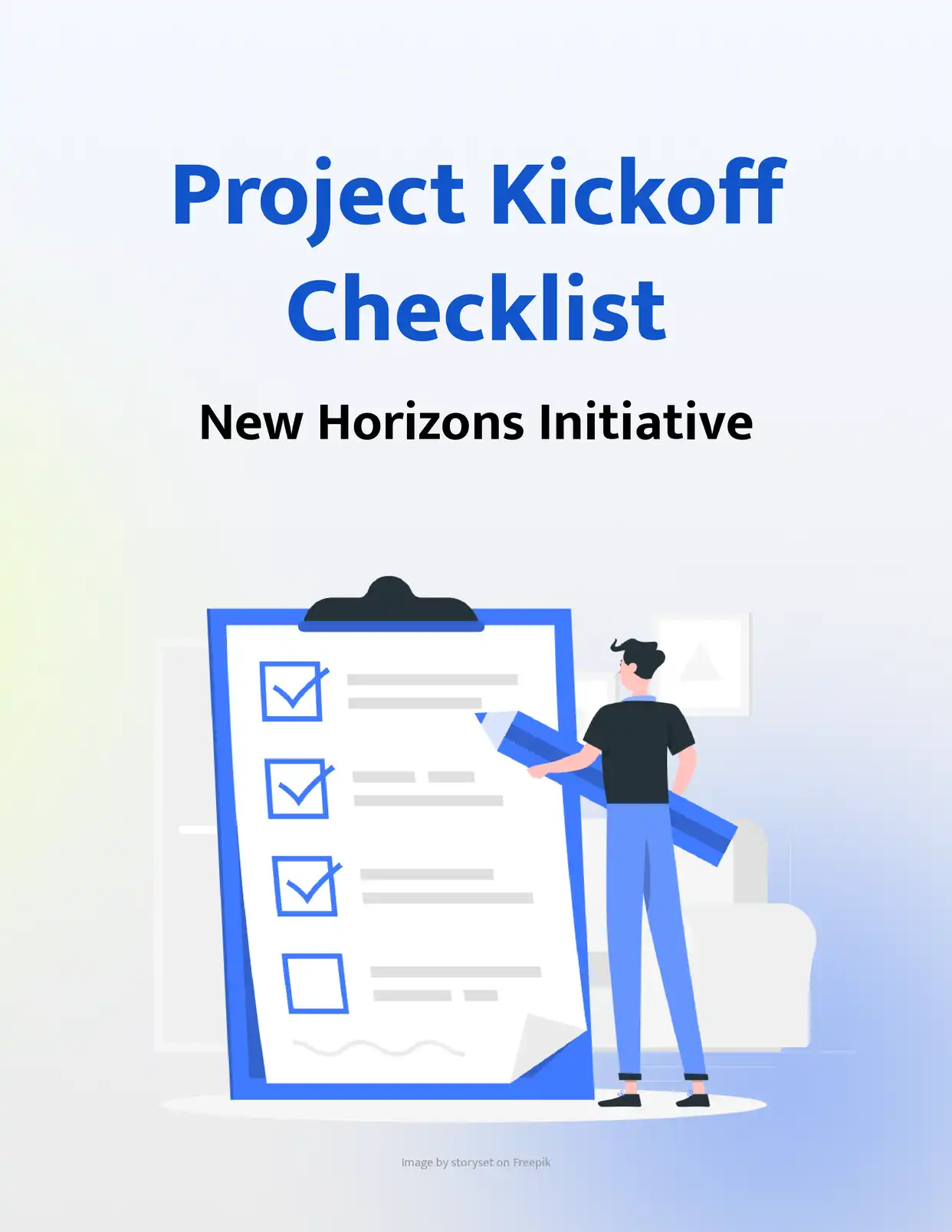
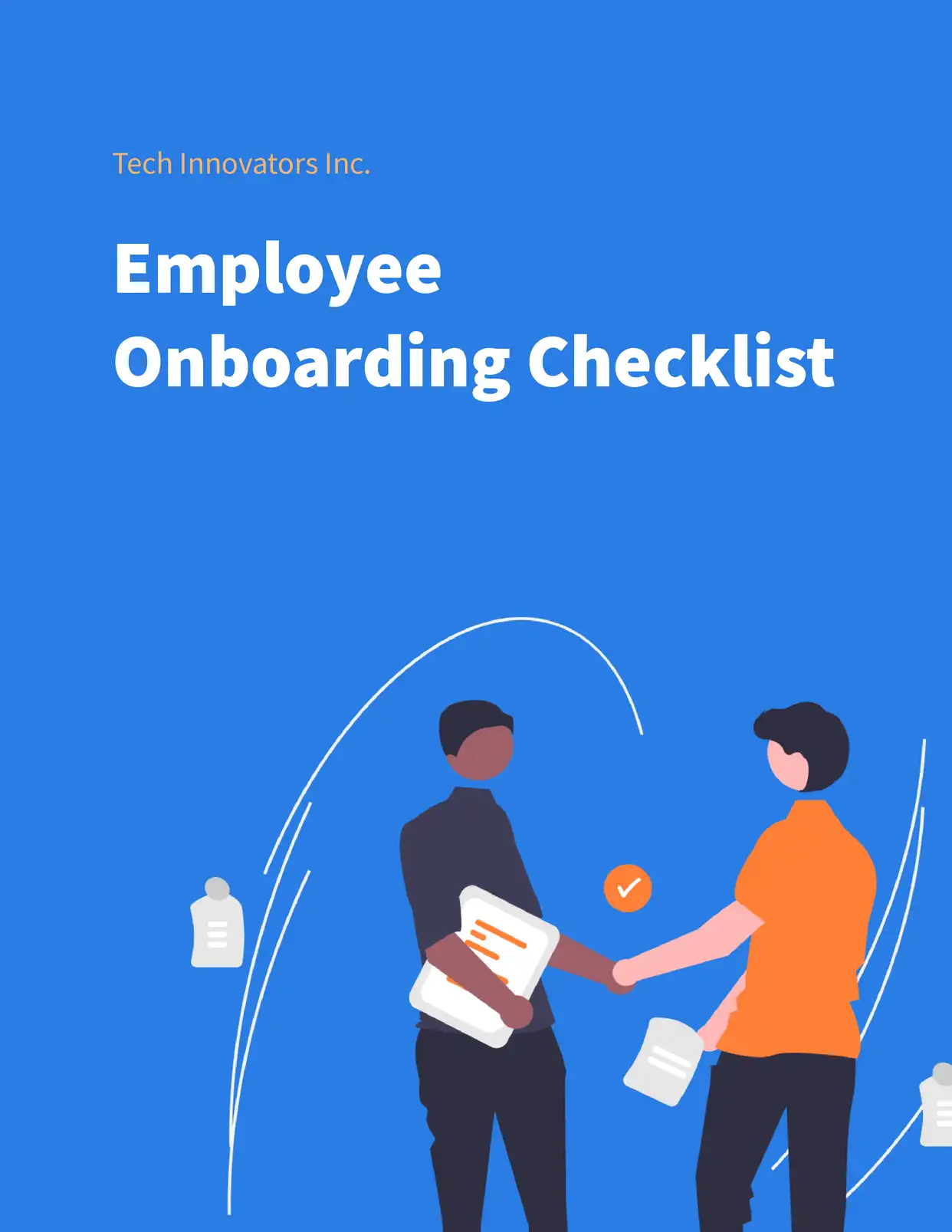
Top 3 Checklists Templates

Automate & e-sign documents from your data
Connect these templates to Airtable, Google Sheets, and more. Automatically generate personalized documents and collect legally binding e-signatures.













All Checklists Templates
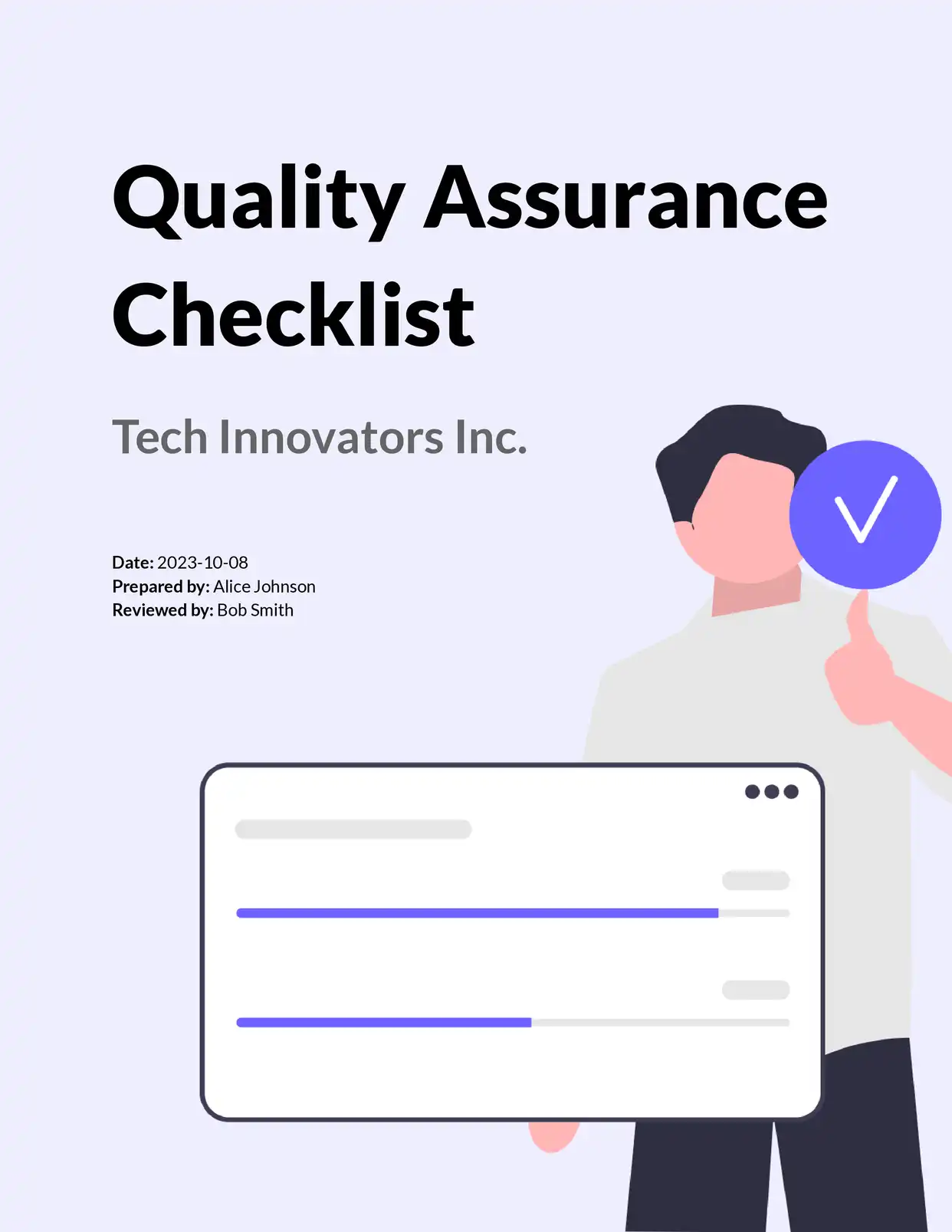
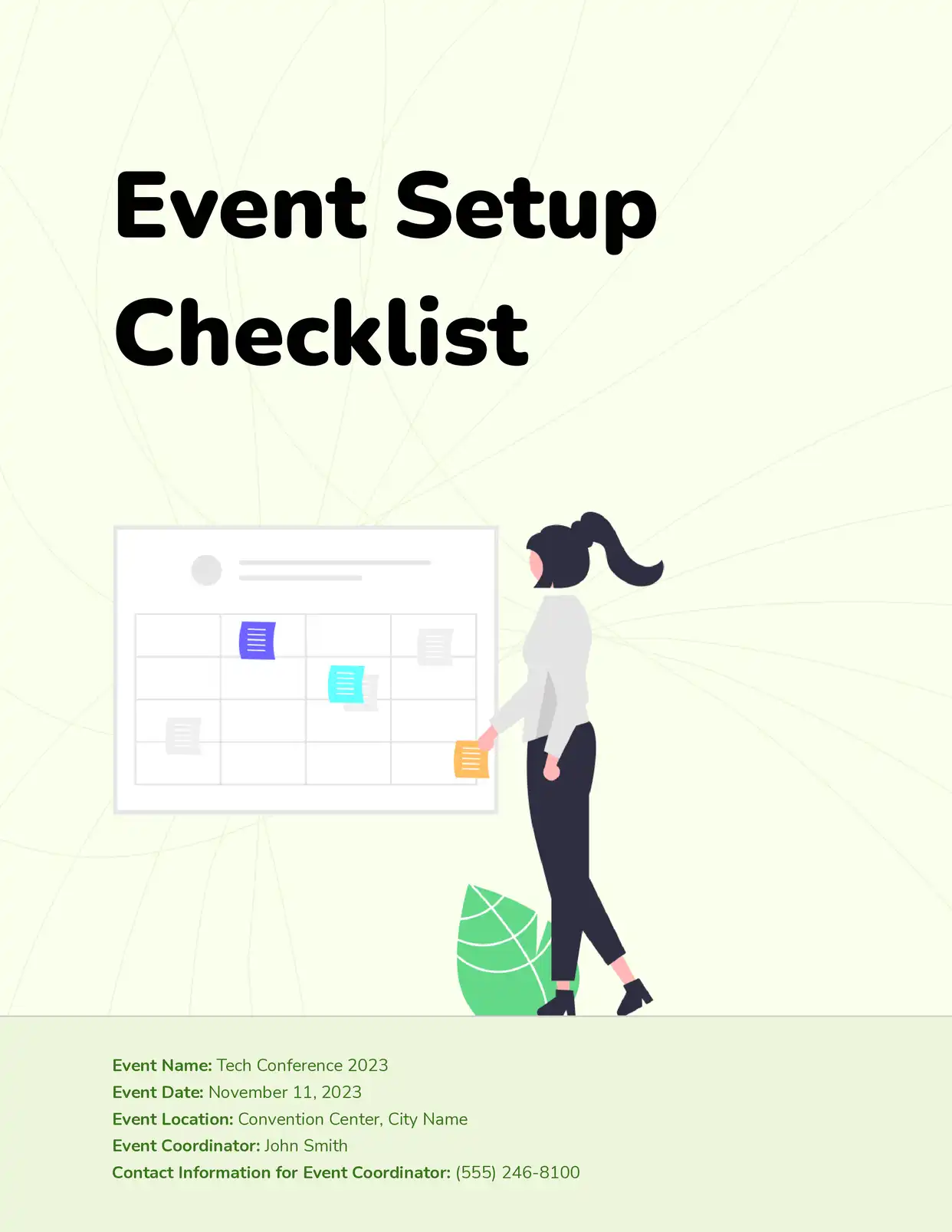
Why choose our free Microsoft Word Checklists templates?
- Professional Free Google Docs Checklist Templates - Access expertly designed checklist templates for various business and personal needs
- Customizable Checklist Templates in Google Docs Format - Easily modify tasks, sections, and formatting while maintaining professional structure
- Automated Checklist Generation - Transform your free Microsoft Word checklist templates into dynamic documents that auto-populate with tasks using DocsAutomator
- Comprehensive Template Collection - From project checklists to daily task lists, our free templates cover various checklist types
Why use free Checklists templates?
Checklists are essential tools for maintaining consistency, ensuring compliance, and tracking progress across various tasks and projects. Free checklist templates provide a structured framework that saves time and reduces the risk of overlooking important items. With DocsAutomator's free checklist templates in Microsoft Word, you can standardize processes, automate checklist creation, and maintain quality control across your organization. Whether you're managing projects, conducting audits, or organizing events, free checklist templates help streamline your workflow while ensuring nothing falls through the cracks. Plus, with cloud-based accessibility and collaborative features, managing and updating checklists becomes more efficient and transparent.
FAQ for Checklists
How do I access the free checklist templates in Microsoft Word?
Visit our template gallery, select your desired checklist template, and click the button to create an instant copy in your Google Drive. No registration required for basic access.
Can I customize these free Microsoft Word checklist templates?
Yes! All our checklist templates are fully customizable. You can modify tasks, sections, formatting, and even add your own branding while maintaining professional structure.
What types of checklist templates do you offer?
Collection includes Project Management Checklists, Daily Task Lists, Quality Control Checklists, Event Planning Checklists, Onboarding Checklists, and Audit Checklists.
Can I automatically generate multiple checklists?
Yes! Using DocsAutomator with our templates, you can automatically generate multiple personalized checklists using data from Google Sheets or other integrated platforms.
How do I share my checklists with team members?
Microsoft Word makes it easy to share checklists with specific team members or groups, with options to control editing and viewing permissions.
Can I track changes made to my checklists?
Yes, Microsoft Word maintains a complete version history, allowing you to track who made changes and when they were made.
Are the templates mobile-friendly?
Yes, all our checklist templates can be accessed and edited on mobile devices through the Microsoft Word app.
Can I export my checklists to different formats?
Yes, you can export checklists as PDFs or maintain them as Microsoft Word. DocsAutomator can automatically generate and store checklists in your preferred format.
How often are checklist templates updated?
We regularly review and update our templates to incorporate user feedback and best practices in task management and organization.
Can I integrate these checklists with other tools?
Yes, through DocsAutomator, you can integrate your checklists with various tools including Google Sheets, Airtable, and other productivity platforms.