

DocsAutomator vs. PDFMonkey
Last Update: October 7, 2026
Discover the more intuitive document automation alternative to PDFMonkey.
DocsAutomator makes it easy to create stunning documents from your data, no coding skills required.
Overview
DocsAutomator
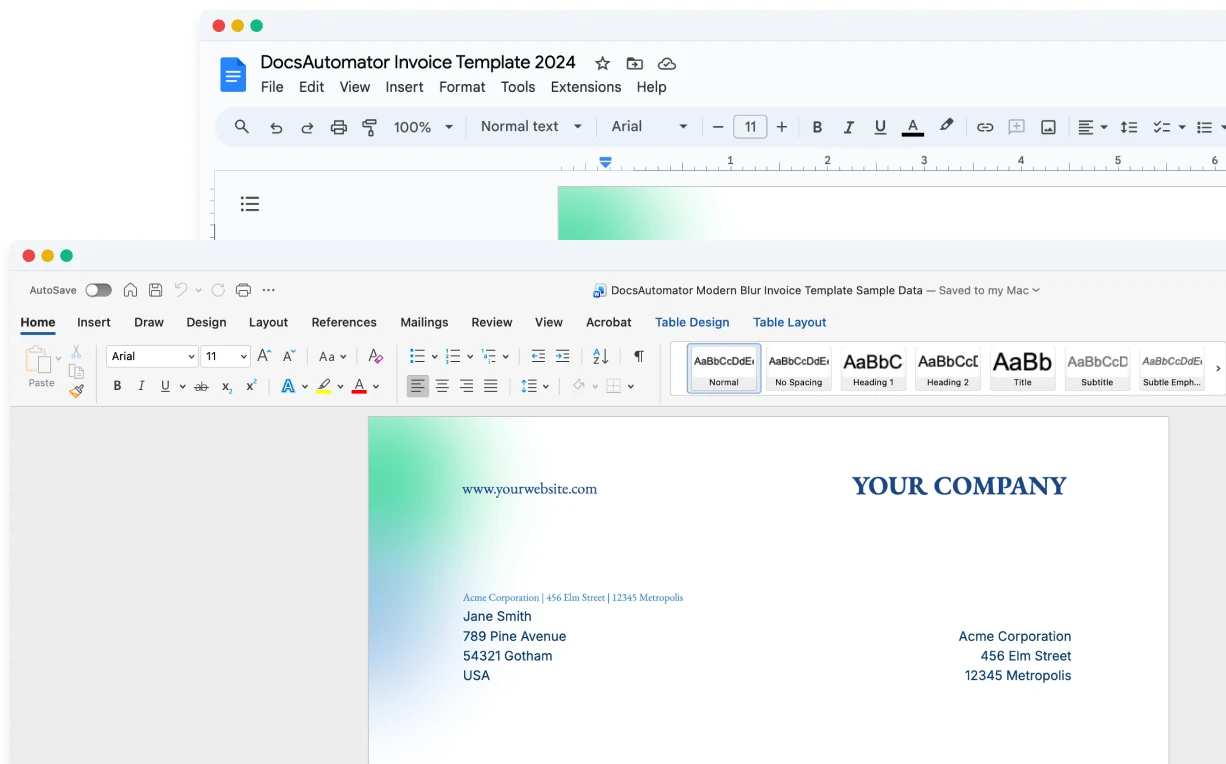
An intuitive document automation tool that leverages Google Docs, Microsoft Word, and PDF templates for template creation, allowing users to design templates in a familiar environment. E-signing and one-click acceptance are included in every plan, at no extra cost.
PDFMonkey
A PDF generation API. Templates are built with HTML and CSS in a code editor or with a visual drag-and-drop builder, and documents are created through a REST API or no-code tools.
Start automating & signing in minutes!
Key Features
Pricing
Worth mentioning
Start automating & signing in minutes!
Unique Advantages of DocsAutomator
Templates in Editors You Know
DocsAutomator uses Google Docs, Microsoft Word and PDF templates, so your team designs in an editor it already knows, or overlays data on an existing PDF. PDFMonkey templates are built in HTML and CSS or in its own visual builder.
Signing and Acceptance Included
DocsAutomator includes e-signing and one-click acceptance in every plan, at no extra cost. Send quotes, proposals and contracts for signature from the same automation that creates them. PDFMonkey does not list e-signatures.
Native Data Source Integrations
DocsAutomator connects directly to 9+ data sources. PDFMonkey connects through its API or through Zapier, Make, n8n, Bubble and Glide.
Start automating & signing in minutes!
Conclusion
Start automating & signing in minutes!
Some of the teams / institutions automating their documents with DocsAutomator:





Customer Voices
Don't take our word for it. Here's what our customers say about us:
This is the best value for money app for creating template. Easy to use, easy to set up, and we like to support small businesses. Keep going!

Aris Zagklis
After struggling with the limits and bugs of AirTable's Page Designer extension for years, I stumbled on the DocsAutomator tool – and I have to say – it's incredible.
Trashcaneron
I absolutely would recommend DocsAutomator to a colleague, it makes your life easier for your team. The support is awsome too.
Stefano Gualtieri
We absolutely love using DocsAutomator! The service has been a game changer for our company. We're in the process of moving all our document workflows to DocsAutomator. The functionality is spot-on, and it saves us countless hours.
Xaver
Before I discovered Docsautomator, generating reports from Airtable was a time-consuming task that drained both my time and energy. However, Docsautomator changed everything and made the process feel effortless.

Kuladej Lertkachonsuk
Found DocsAutomator at the perfect time. Excited to see the ways that it saves me, and our company, time. Super simple to set up and use. Customer service was PROMPT, thorough, and helpful when I ran into some issues.
Cody Nailor
Start automating & signing in minutes!
Strong reasons for choosing DocsAutomator
All you need to effortlessly automate your documents.
DocsAutomator natively integrates with your favorite apps










Fast document generation
Generate documents blazingly fast - independent of length and content.
Unlimited pages
Need to dynamically produce a 200-page report? DocsAutomator allows for documents of any length.
Dynamic Sections
Easily generate documents with fully customizable sections that adapt to different use cases.
Dynamic Line Items
Handle invoices, reports, and any kind of itemized lists effortlessly with dynamic line items including nested data.

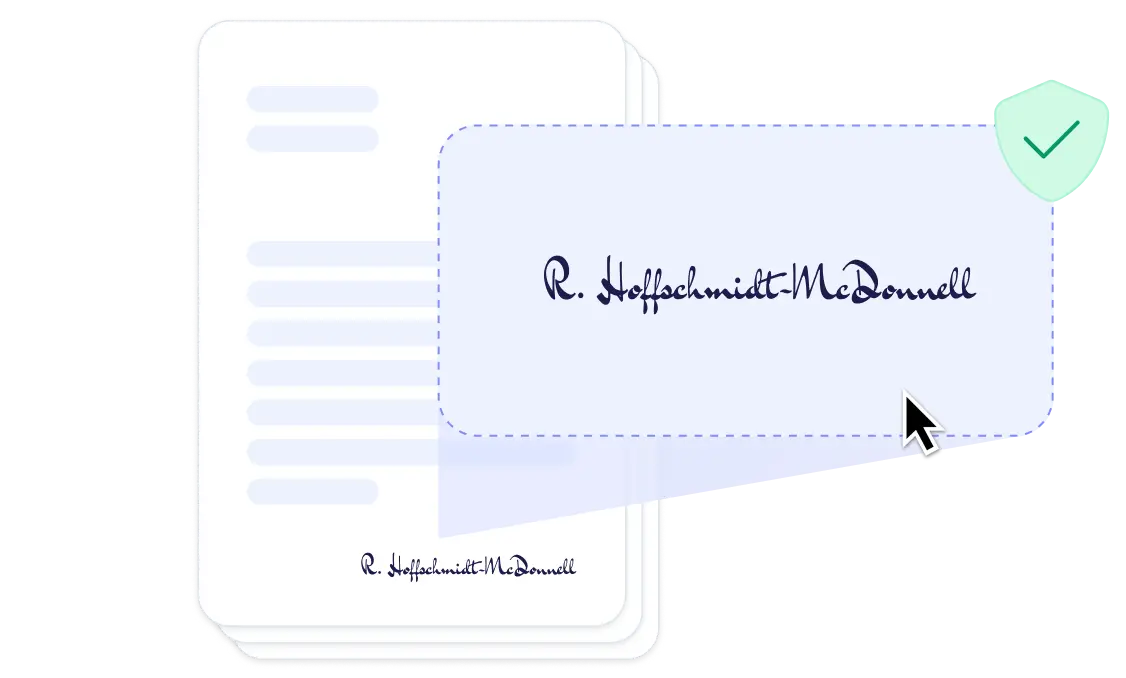
DocsAutomator eSign
Collect legally binding e-signatures on your generated documents.
AI data mapping
Map or generate sample data in seconds with the help of AI.
Preview mode
Unlimited previews until you're happy - no wasted credits on testing.
Hide & style values conditionally
Generate complex documents effortlessly by hiding or styling values conditionally.
Dynamic images
Add automatically pre-processed and converted images dynamically to your documents
Automated Emails
Send generated documents via email automatically to your recipients, from your own Gmail or Outlook account or DocsAutomator Mail.
Save PDFs to Google Drive, OneDrive or Dropbox
Store and organize your generated PDFs directly in Google Drive, Microsoft OneDrive or Dropbox.
Merge Existing PDFs
Combine multiple PDFs into one seamlessly within DocsAutomator.
Save Google Doc to continue editing
Automation meets human touch - continue editing automatically generated documents in Google Docs.
Build templates in the tools you already know

Start automating & signing in minutes!
More alternatives
Documint
Compare DocsAutomator and Documint and see what differentiates both from each other.

Docupilot
Compare DocsAutomator and Docupilot and see what differentiates both from each other.

Typeflow
Compare DocsAutomator and Typeflow and see what differentiates both from each other.

Formstack Documents
Compare DocsAutomator and Formstack Documents and see what differentiates both from each other.

Portant
Compare DocsAutomator and Portant and see what differentiates both from each other.

CraftMyPDF
Compare DocsAutomator and CraftMyPDF and see what differentiates both from each other.

Plumsail Documents
Compare DocsAutomator and Plumsail Documents and see what differentiates both from each other.

DocuGenerate
Compare DocsAutomator and DocuGenerate and see what differentiates both from each other.

Autocrat
Compare DocsAutomator and Autocrat and see what differentiates both from each other.

Form Publisher
Compare DocsAutomator and Form Publisher and see what differentiates both from each other.

DocuSign
Compare DocsAutomator and DocuSign and see what differentiates both from each other.

PandaDoc
Compare DocsAutomator and PandaDoc and see what differentiates both from each other.