Automated PDF Generation
Generate, Deliver & Store PDFs Automatically
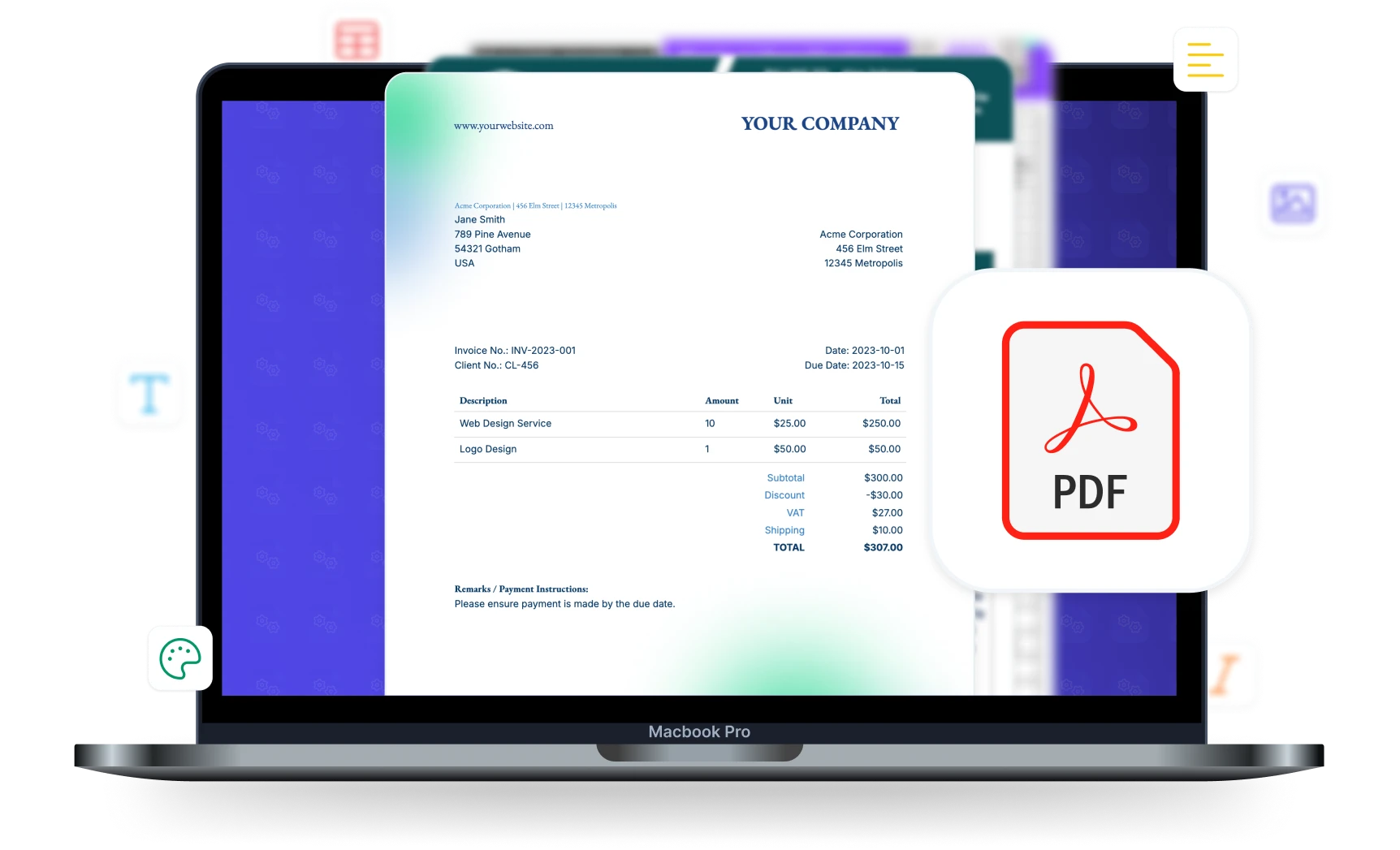
Turn your data into finished PDFs in seconds. Save them to Google Drive, OneDrive or Dropbox, email them, merge them with other PDFs and send them for signing, all automatically.








Key Benefits
Why teams choose DocsAutomator for PDF Generation & Delivery
Fast Generation
Most documents are ready in seconds. Word and PDF templates usually finish within 10 seconds, and Google Docs templates take a few seconds more. Long documents with many line items take a little longer.
Automated Email Delivery
Send each generated PDF by email automatically. Write the subject and message with your data, add several recipients and a reply-to address, and set conditions for when to send.
Save to Google Drive, OneDrive or Dropbox
Store generated PDFs in a Google Drive, OneDrive or Dropbox folder. Name subfolders from your data, such as the client name, so every file lands in the right place.
Merge & Prepend PDFs
Add existing PDFs before or after the generated PDF, such as a cover page or your terms and conditions. Available on the Business plan and higher.
Code a PDF from HTML, or fill a document template?
Both turn data into PDFs. The difference is who owns the template and who builds what happens next.
Output & Delivery Options
Full control over how generated documents are formatted, stored, and delivered
PDF with Download URL
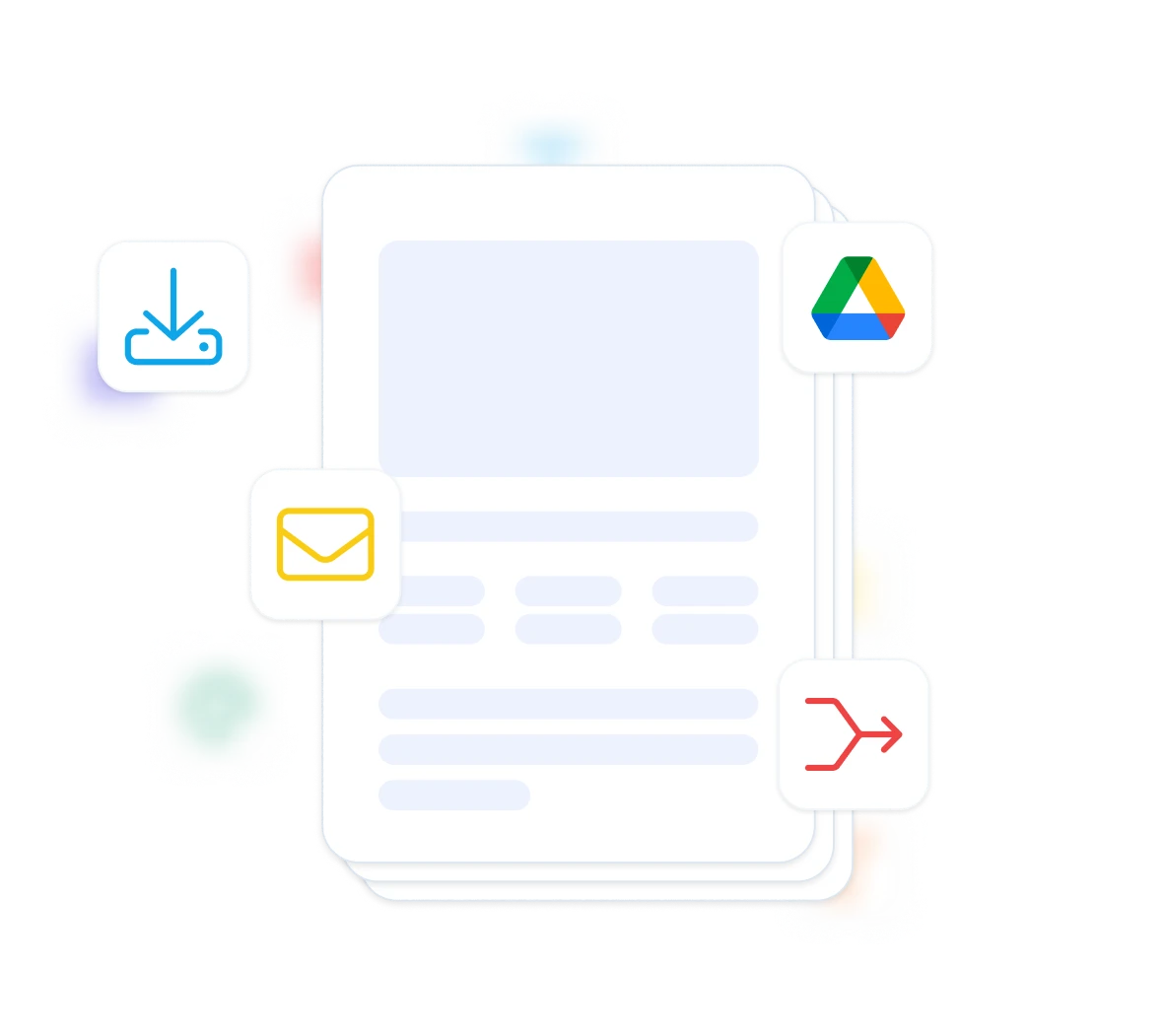
Every generated PDF gets its own download URL. Share it, put it in an email, or write it back to your Airtable, Notion, Google Sheets, SmartSuite or ClickUp record. Set the link to expire for time-sensitive documents.
Google Drive, OneDrive and Dropbox
Save each PDF to a Google Drive, OneDrive or Dropbox folder automatically. Name subfolders from your data, such as the client name or the month, so nobody files documents by hand.
Save in Documents Folder
File every new document into a folder on your Documents page in DocsAutomator, so your team finds each invoice, quote or contract in one place.
Word (.docx) File
With a Word template, keep the generated Word file next to the PDF. Download it from the run history, attach it to the email, or save it to Google Drive, OneDrive or Dropbox.
Email with PDF Attachment
Send the generated PDF, the Word file or both as attachments. Write the subject and message with your data, add several recipients and a reply-to address, and set conditions for when to send.
PDF Merging
Add existing PDFs before or after the generated PDF: a branded cover page, your standard terms or a compliance appendix, without putting them in every template. The PDFs come from a field on your record or from the API request.
Start automating & signing in minutes!
How it works
Get started in minutes
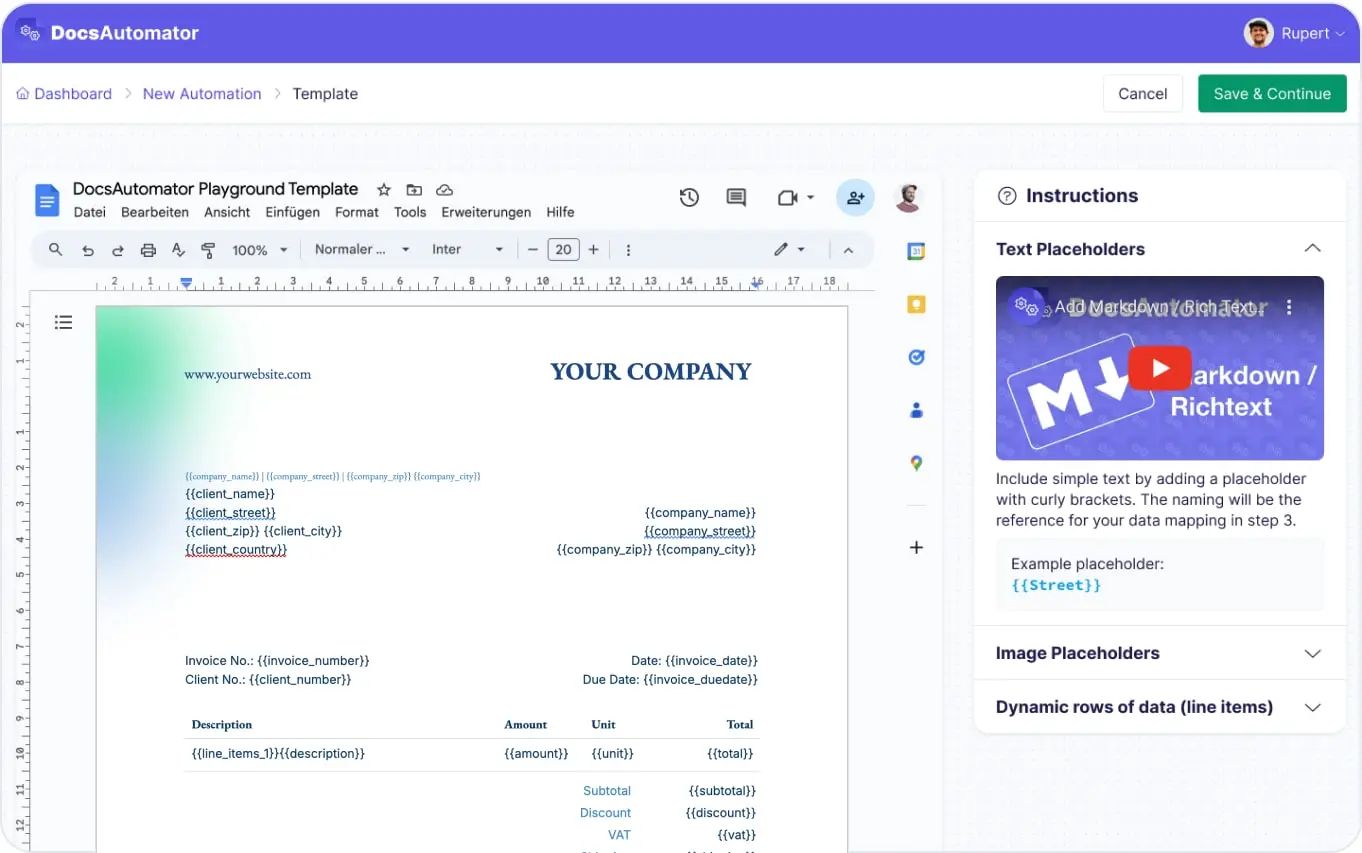
Create Your Template
Configure Output & Delivery
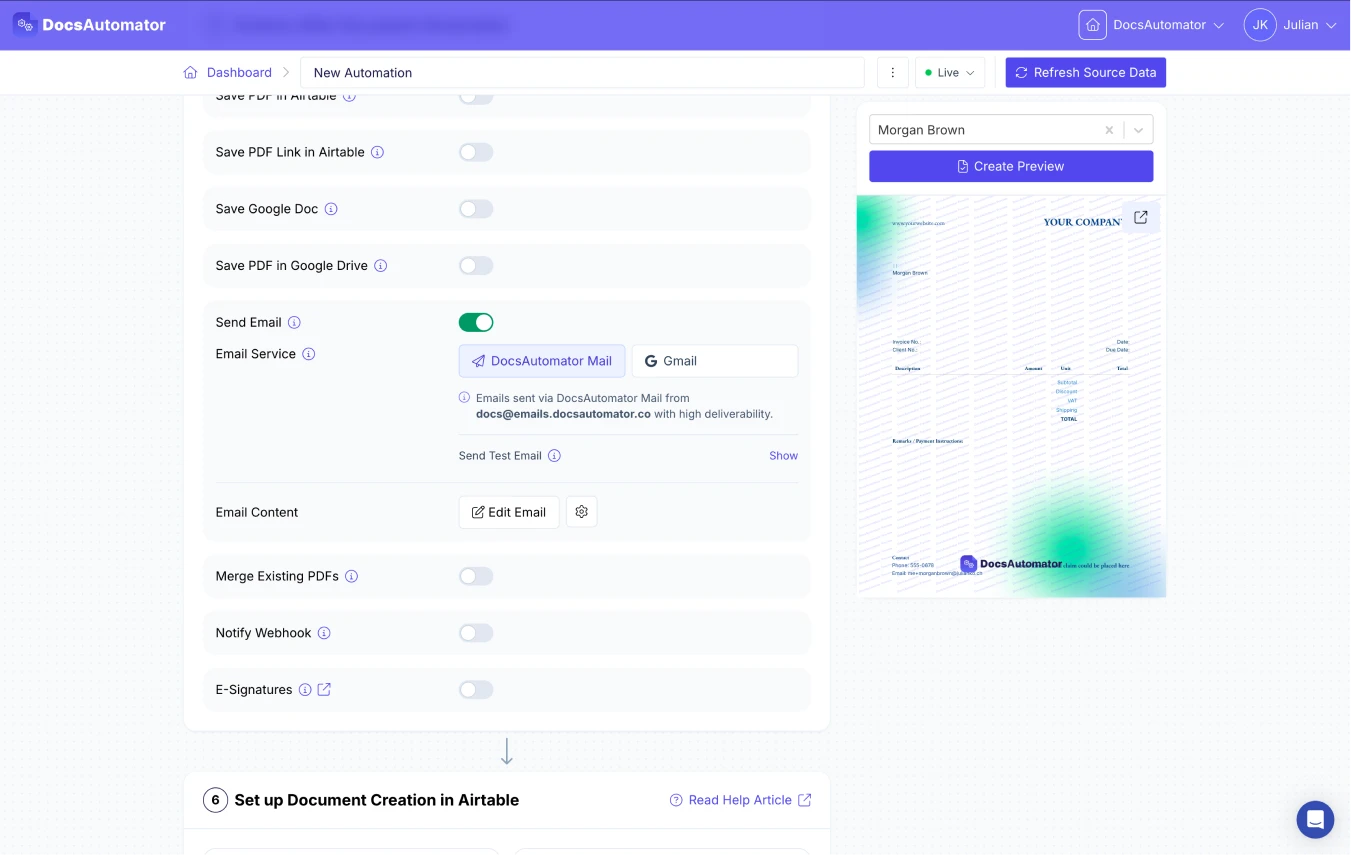
Automate & Deliver
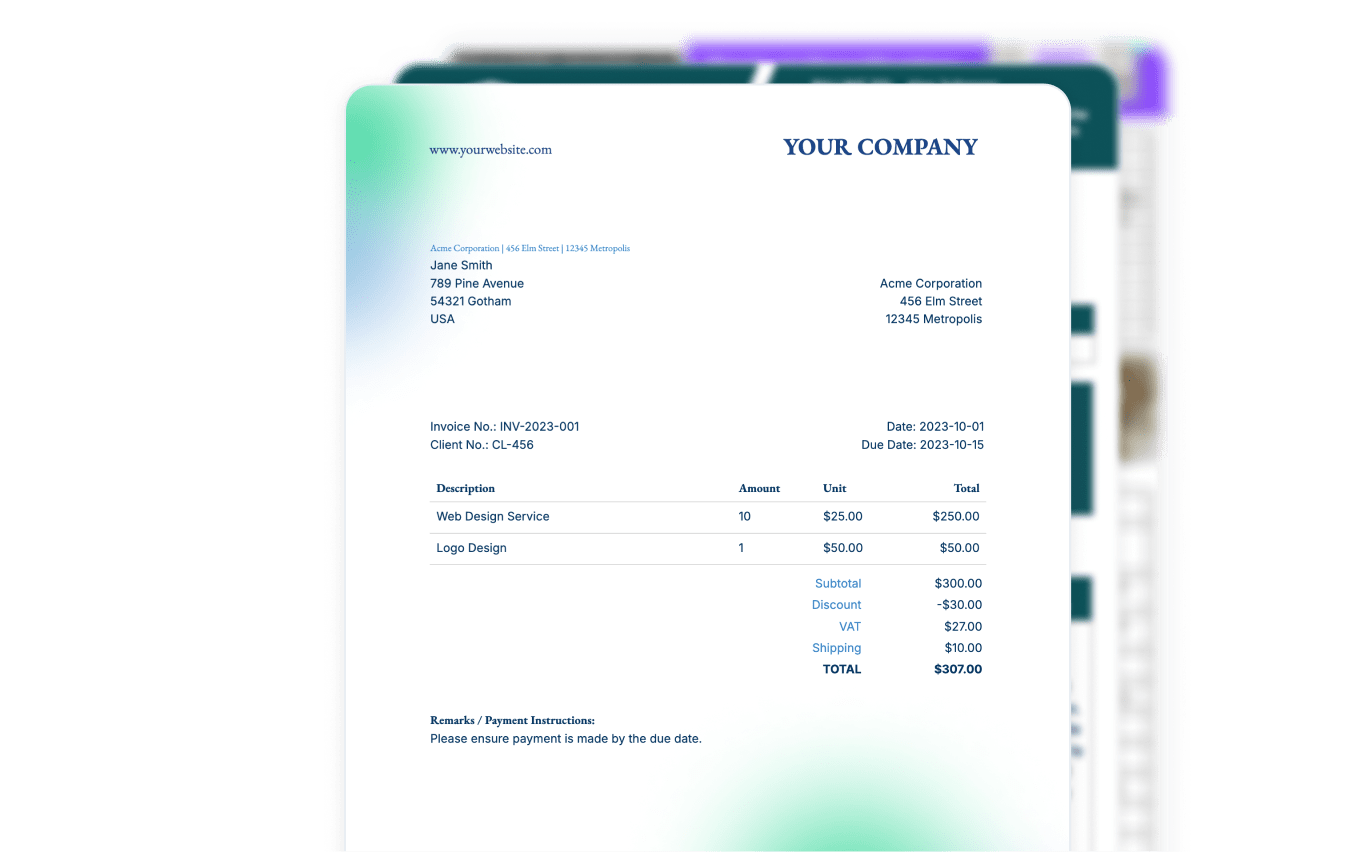
Learn more in our Knowledge Base
Start automating & signing in minutes!
Use Cases
Popular ways teams use PDF Generation & Delivery
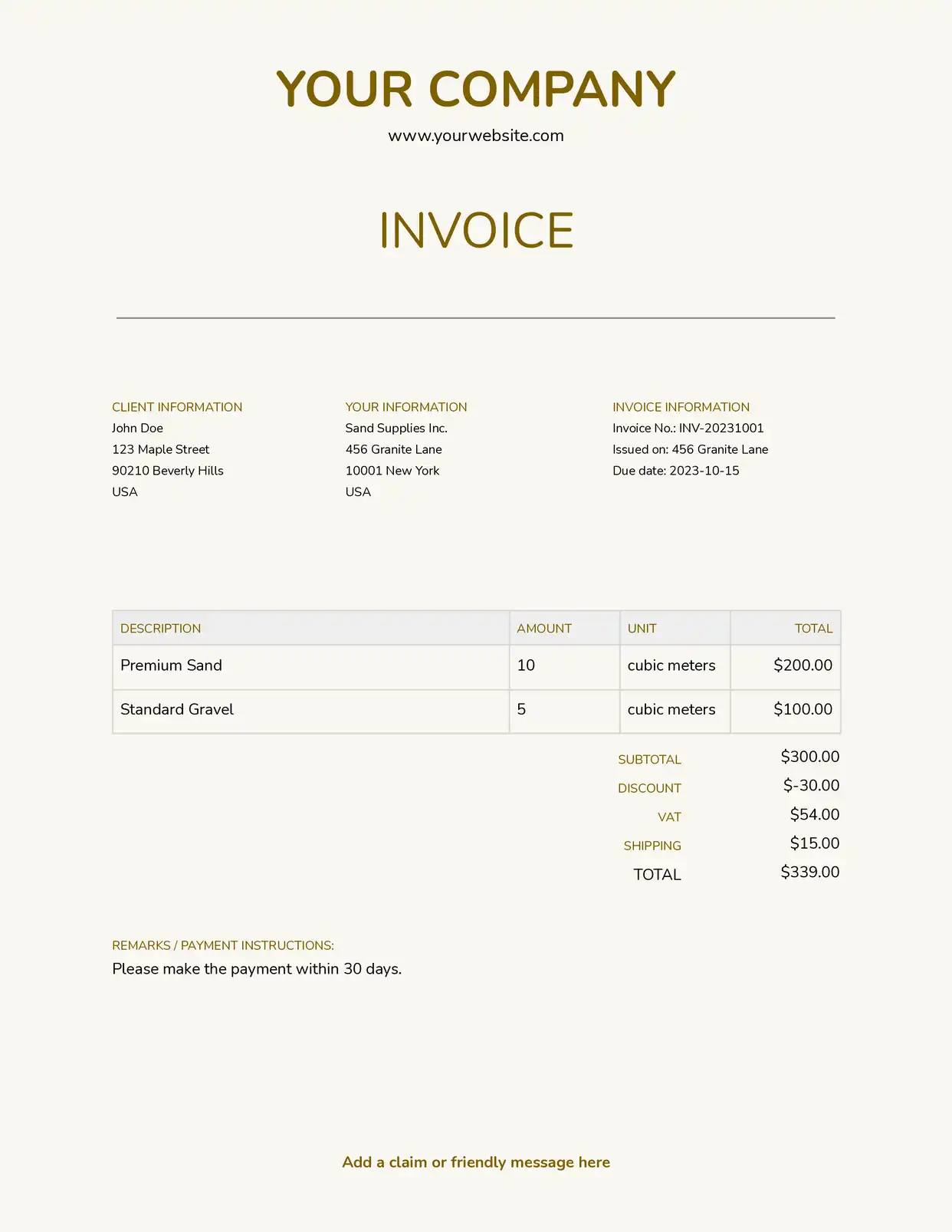
Invoice Generation & Delivery
Generate and email invoices automatically when a record is created or updated. The PDF is attached to a customizable email, saved to Google Drive, and the download URL is written back to your database.
Explore Invoice Templates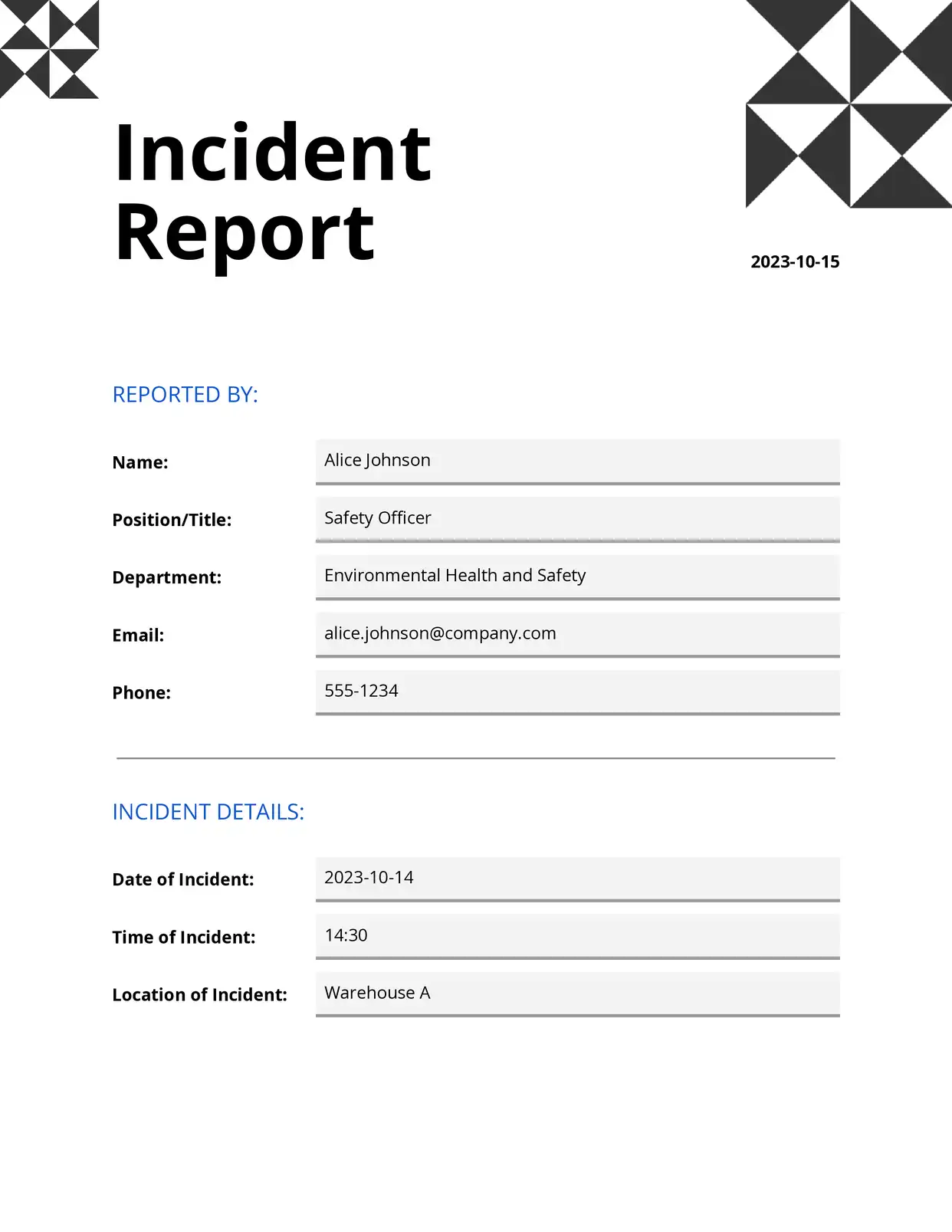
Report Distribution
Create weekly or monthly reports and distribute them to stakeholders via email with PDF attachments. Use conditional email delivery to send the right report to the right person.
Explore Report Templates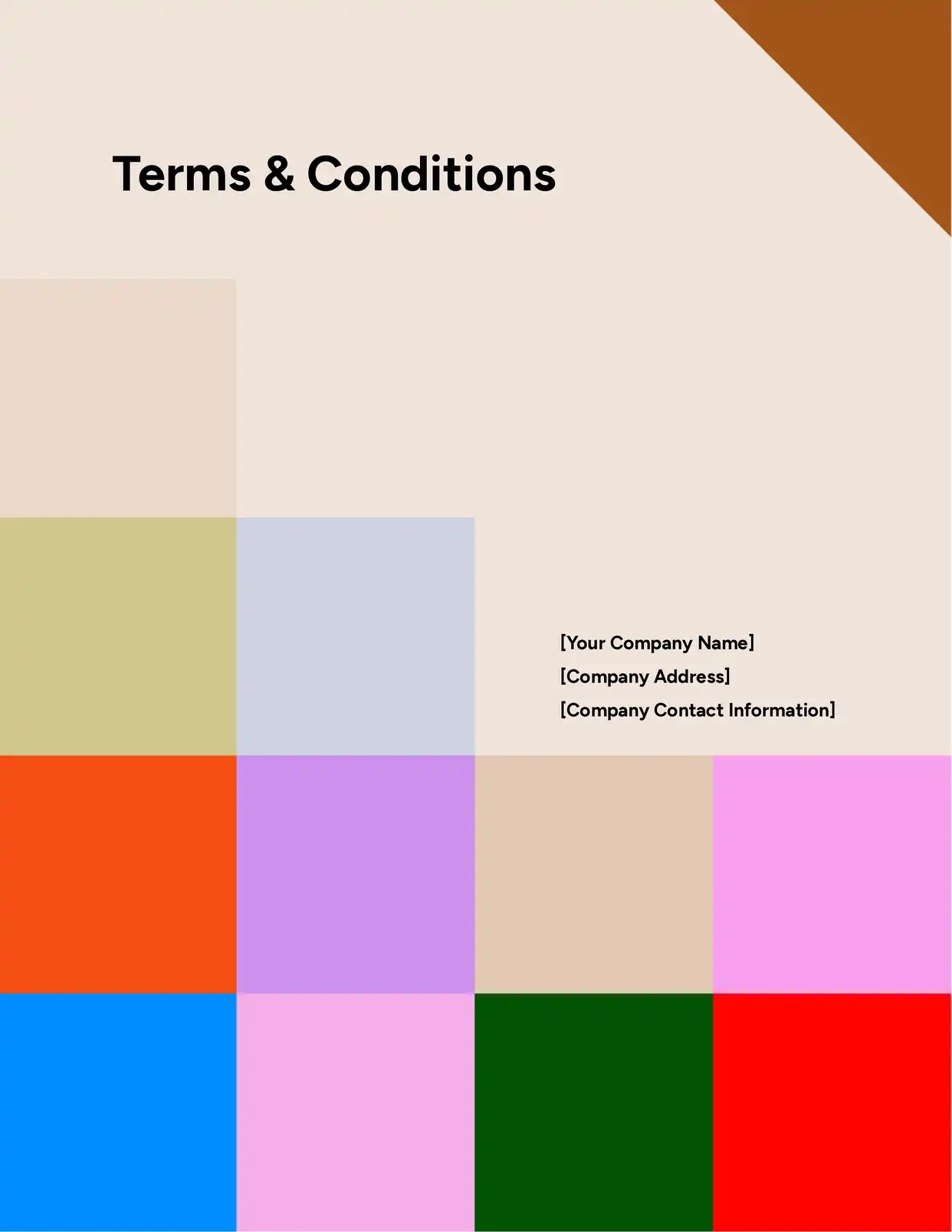
Compliance Documentation
Generate compliance documents, store them in organized Google Drive folders with dynamic naming, and maintain a complete record in your data source. Append standard terms or disclaimers via PDF merging.
Explore Legal Templates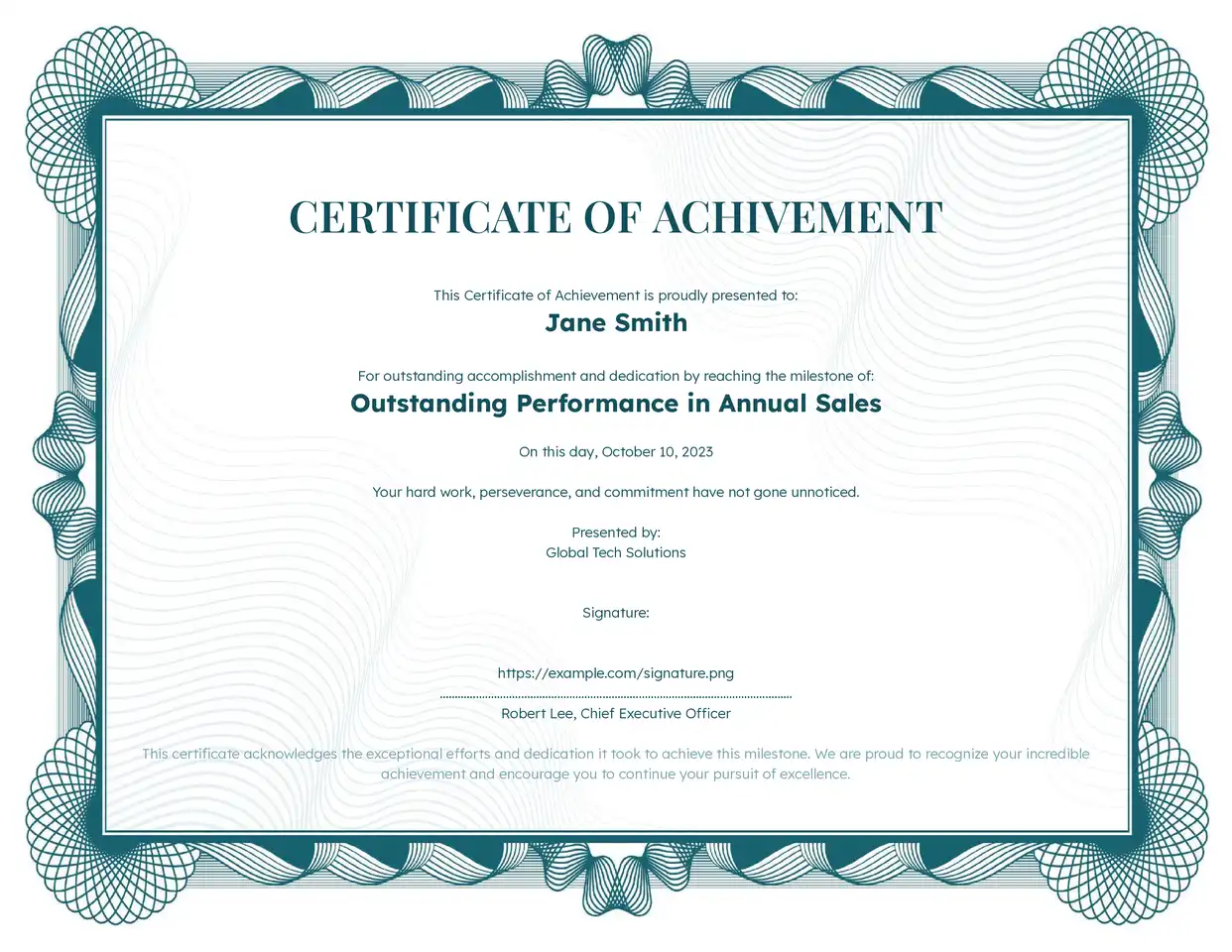
Certificates & Awards
Generate personalized certificates with recipient names, dates, and achievements. Batch generate hundreds and deliver each via email or store in Drive for distribution at events.
Explore Certificate Templates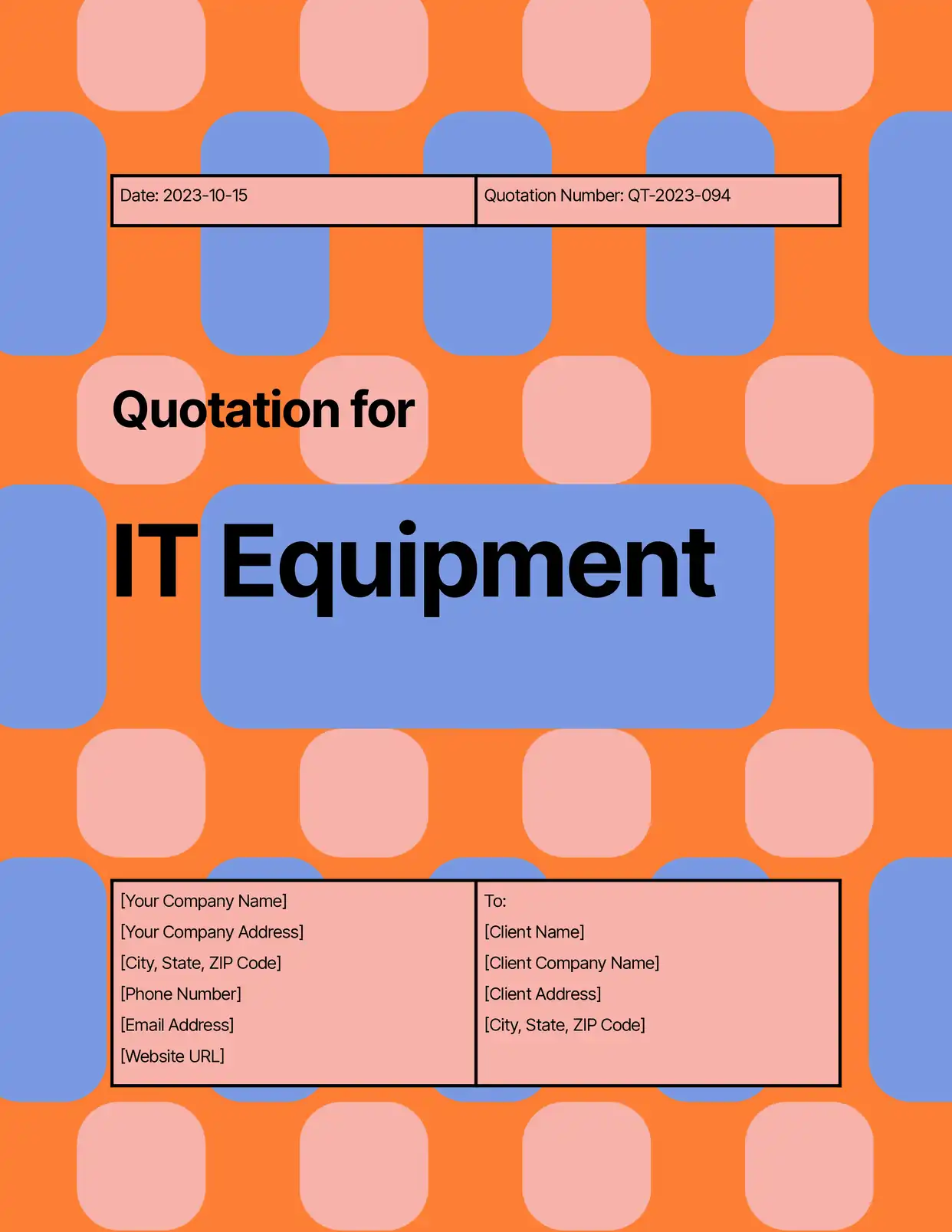
Quotes & Estimates
Generate pricing quotes with line items, send them via email with your branding, and set PDF expiration so outdated quotes become inaccessible automatically.
Explore Quotation Templatesand many more...
Customer Voices
Don't take our word for it. Here's what our customers say about us:
DocAutomator has helped my business automate invoices, contacts, and quarterly reports for our clients. This product saves us a lot of time, allowing us as a property management company to focus more on asset management.

Eran
This is the best value for money app for creating template. Easy to use, easy to set up, and we like to support small businesses. Keep going!
Aris Zagklis
After struggling with the limits and bugs of AirTable's Page Designer extension for years, I stumbled on the DocsAutomator tool – and I have to say – it's incredible.
Trashcaneron
DocsAutomator is everything the Page Designer in Airtbale should have been. It is a powerful automation platform that allows me to pull complex data from Airtable and apply a design that I have full control over!
Dustin
It's incredible how easily we can connect it to other systems. [...] No similar software was found. It should be made mandatory. Docautomator has been our best choice so far! Always reliable! Thank you very much for making my day and work easier.

Ágota dr. Czirják-Nagy
Just getting started with DocsAutomator because the options within AirTable did not meet my needs. With always updating features and resources, this is quickly becoming the best extension you can choose.
Shannon Bradley
Advanced PDF Features
Enterprise-grade document delivery for complex workflows
Set PDF download URLs to expire after 5 minutes, a day, a week, a month or up to a year. Useful for contracts, financial statements or medical records that should only be accessible for a limited time.
After each document is created, DocsAutomator sends a POST request with the document details and the PDF URL to your webhook URL. Use it to update your CRM or start the next step in Zapier, Make or n8n.
With a Google Docs template, keep an editable Google Doc next to the PDF. The Google Doc is saved to your Drive for manual edits, while the PDF is delivered or stored according to your output settings.
Configure email delivery to trigger only when specific conditions are met. Send invoices only when status is "Approved", or deliver reports only to active stakeholders. Combine with dynamic recipient fields for full flexibility.
Send document emails from your own Gmail or Outlook account with a custom sender name, or use DocsAutomator's default sender. Your recipients see emails from your brand, not from another tool. Your own Gmail or Outlook account needs the Business plan or higher.
Upload any PDF, such as an application form or a lease, and place text, image, checkbox and signature fields on it. DocsAutomator fills the fields with your data and keeps the original layout.
After generation, send the PDF for e-signature, or for a one-tap acceptance of a quote or proposal. You can save the signed or accepted PDF back to your record or to a folder. E-signing and acceptance are included in every plan.
Start automating & signing in minutes!
Generate & Deliver PDFs from Any Data Source













Frequently Asked Questions
- PDF: downloadable through its URL, and saved to Google Drive, OneDrive, Dropbox or your Documents folder if you choose.
- Google Doc: with a Google Docs template, an editable copy is saved to your Drive.
- Word (.docx) file: with a Word template, the Word file is downloadable from the run history and can be saved to Google Drive, OneDrive or Dropbox.
Start automating & signing in minutes!
Explore more features
Everything you need for document automation
AI Template Generator
Describe a document and let AI create a professionally designed Word (.docx) template for you.
Google Docs Templates
Build templates in Google Docs, one of the most intuitive document tools on the web.
Word Templates
Upload a Microsoft Word .docx template and generate Word or PDF documents from your data.
E-Signatures
Send documents from your data for signature or one-click acceptance.
Email Automation
Generate documents and email them as PDF attachments automatically.
Dynamic Line Items
Handle invoices, reports, and itemized lists with dynamic line items including nested data.
Conditional Logic
Show, hide, or style content conditionally based on your data.
AI Field Mapping
Map or generate sample data in seconds with the help of AI.
Batch Processing
Generate dozens of documents in parallel with queue-based batch processing.
REST API
Generate documents programmatically with sync/async modes and webhooks.
AI & Agents
Give AI assistants the power to generate documents via MCP server.
Teams generating PDFs with DocsAutomator:







Ready to automate PDF generation and delivery?
Trusted by 1,215 businesses for their most critical documents
Unlimited testing, no credit card required