Free Microsoft Word Certificates Templates
With DocsAutomator's free Microsoft Word Templates, a curated collection of professionally designed free document templates, you can streamline your work and enhance your productivity.

Top 3 Certificates Templates
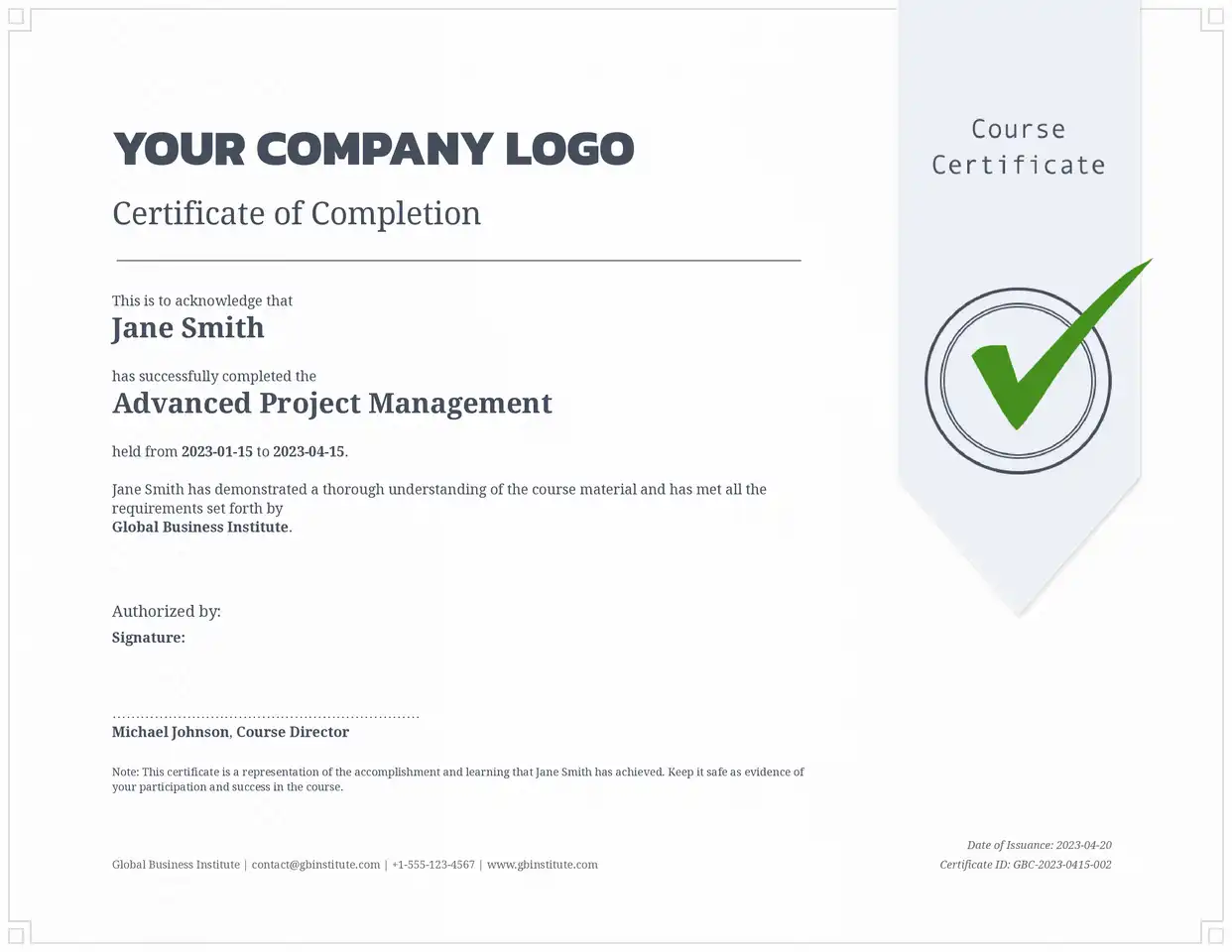
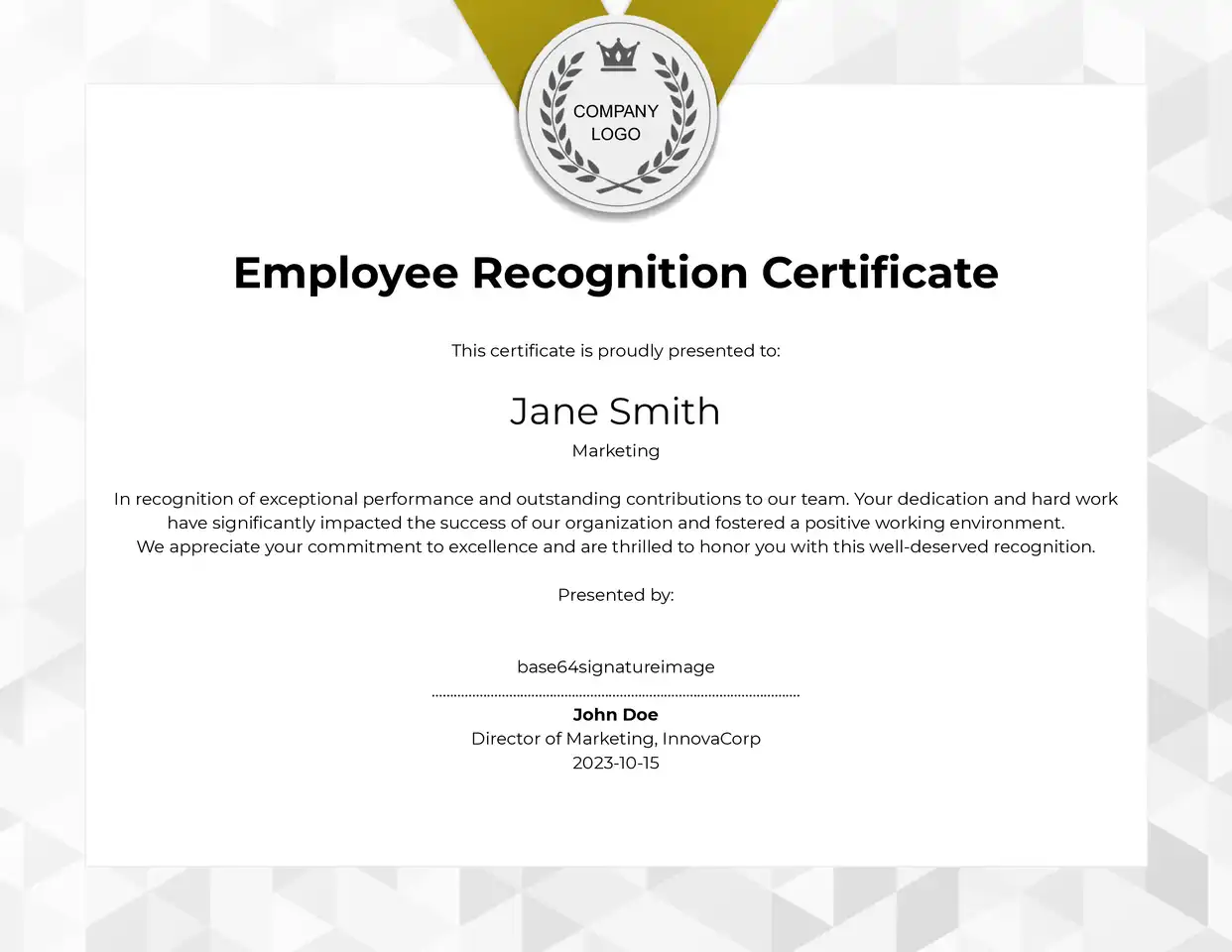
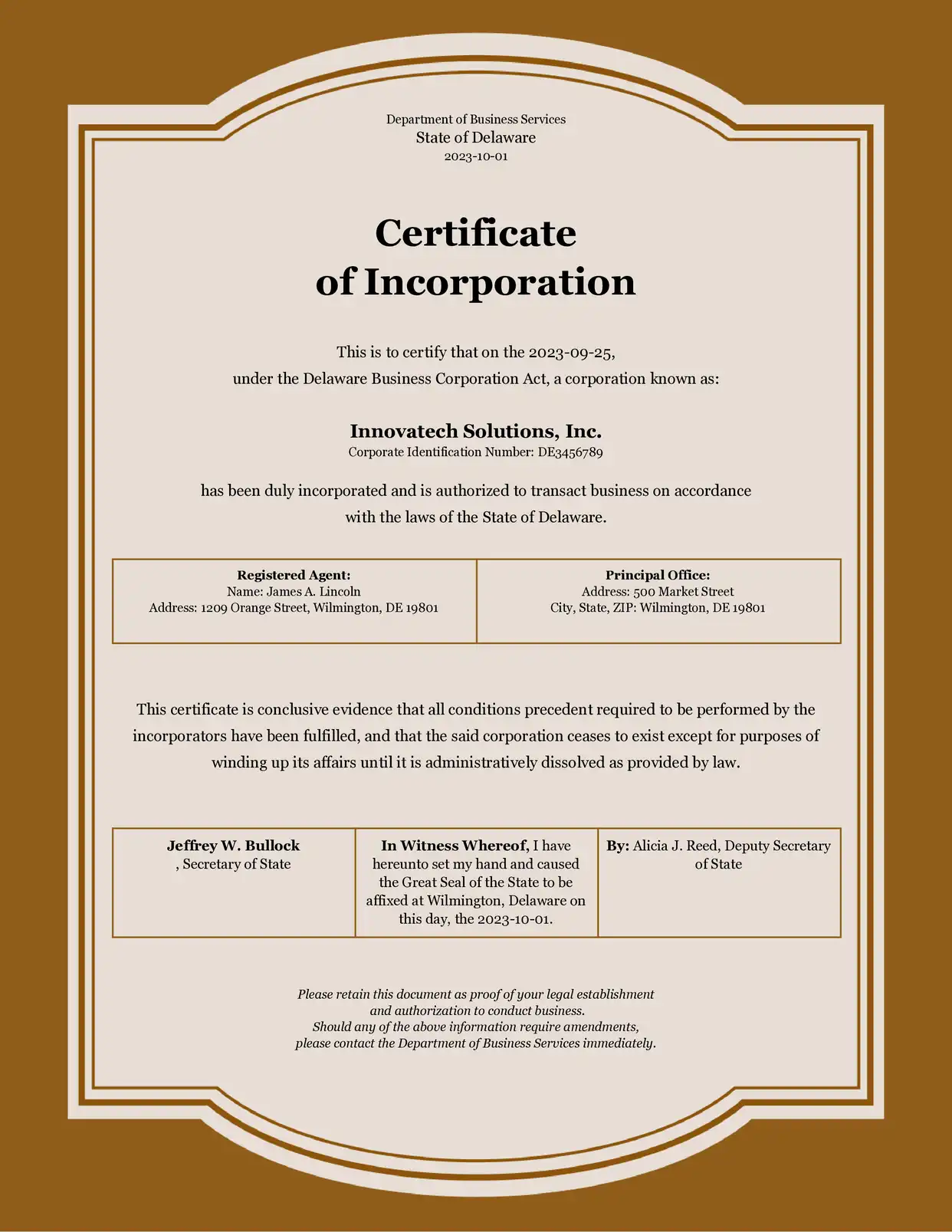
Automate & e-sign documents from your data
Connect these templates to Airtable, Google Sheets, and more. Automatically generate personalized documents and collect legally binding e-signatures.












All Certificates Templates
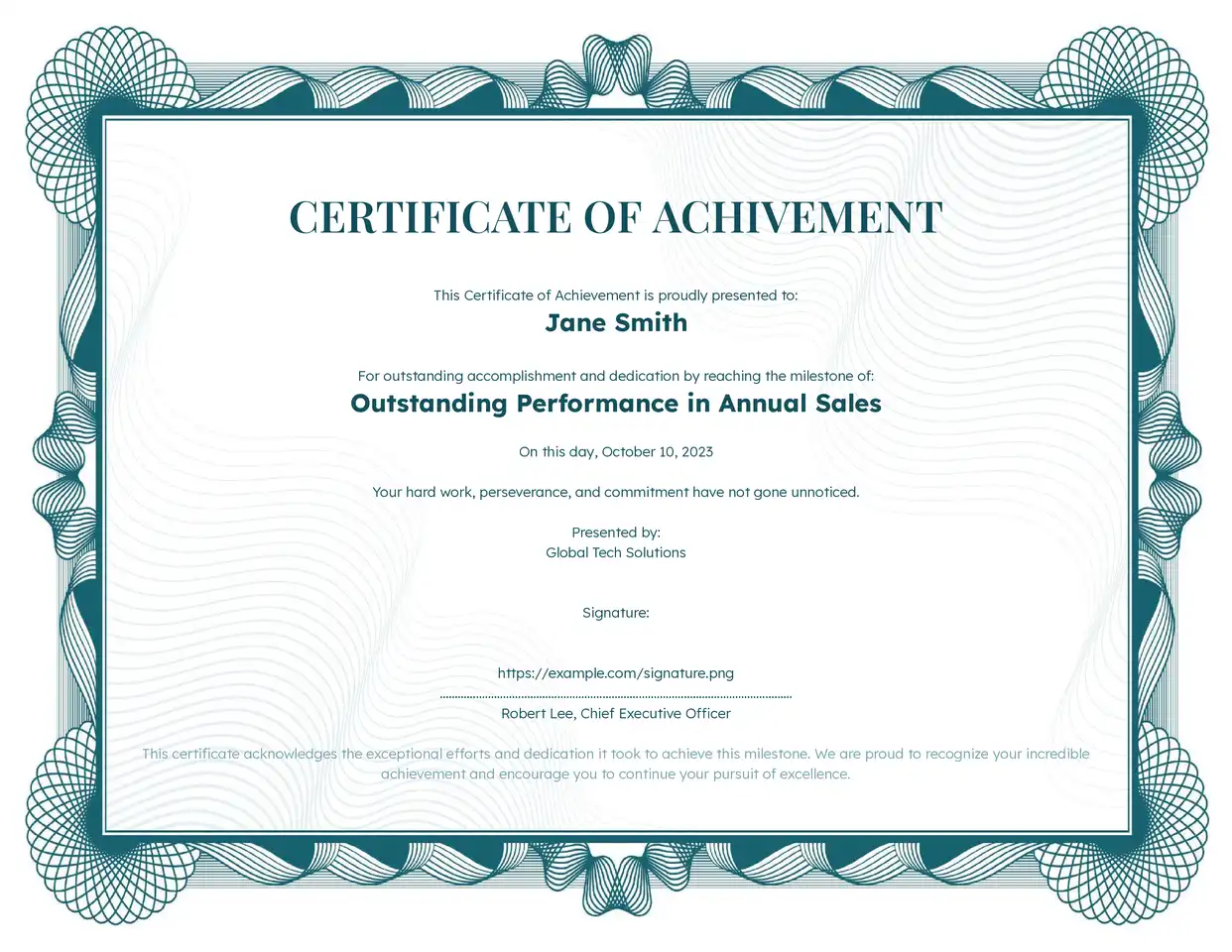
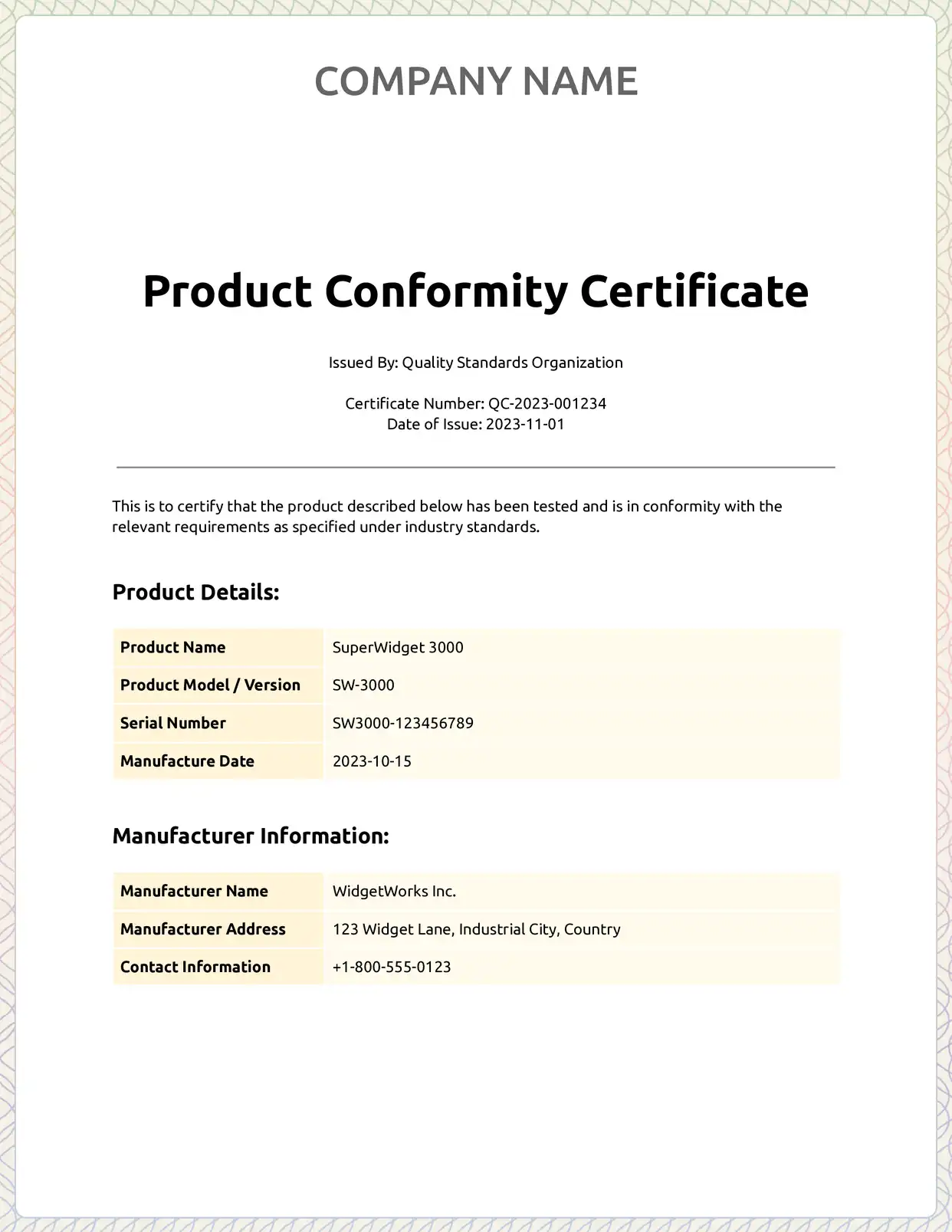
Why choose our free Microsoft Word Certificates templates?
- Instant Access to Professional Free Google Docs Certificates Templates - No registration required to preview our professionally designed templates
- Customizable Certificate Templates in Google Docs Format - Easily modify fonts, colors, and layouts to match your brand while maintaining professional standards
- Perfect for Multiple Use Cases - From achievement certificates to course completion certificates, our free templates work seamlessly with Microsoft Word
- Compatible with Google Workspace - Our free Microsoft Word certificates templates integrate perfectly with your existing Google Drive workflow
- Regular Template Updates - Access fresh, modern certificate designs regularly added to our free template gallery
Why use free Certificates templates?
Free certificate templates offer cost-effective and professional solutions for organizations of all sizes. DocsAutomator's templates save time while ensuring consistent results. Users can customize designs, automate creation, and generate hundreds of certificates in minutes. Cloud-based storage and sharing options facilitate seamless management and distribution.
FAQ for Certificates
How do I access the free certificate templates in Microsoft Word?
Browse the template gallery, select preferred certificate template, click to create a copy in Google Drive, and customize immediately with no registration required.
Can I customize these free Microsoft Word certificate templates?
Yes, all templates are fully customizable with color, font, logo, and text modifications. DocsAutomator automates customization for bulk generation.
Are these certificate templates really free?
Yes, the templates are free to copy and edit in Microsoft Word. To fill them automatically from your data, you can test DocsAutomator for free with unlimited preview documents, and paid plans start at $19 a month billed yearly.
Do I need special software to use these certificate templates?
Only a Microsoft account for Microsoft Word access is needed. DocsAutomator's interface requires no coding or technical expertise.
Can I save my certificates as PDFs?
Yes, certificates export as PDFs, Microsoft Word, or both. DocsAutomator auto-generates and stores in preferred formats.
Can I add my company logo to the certificates?
Absolutely, templates include customizable spaces for logos, signatures, and branding elements to maintain professional identity.