Softr PDF
Powerful Document Automation & Signing for Softr
Turn data from Softr into stunning PDFs, Google Docs, and Word documents. No coding required.








Some of the teams / institutions automating their Softr documents with DocsAutomator:







Create Documents from your Softr data in a snap
Some examples of our customers and the documents they automate and sign daily

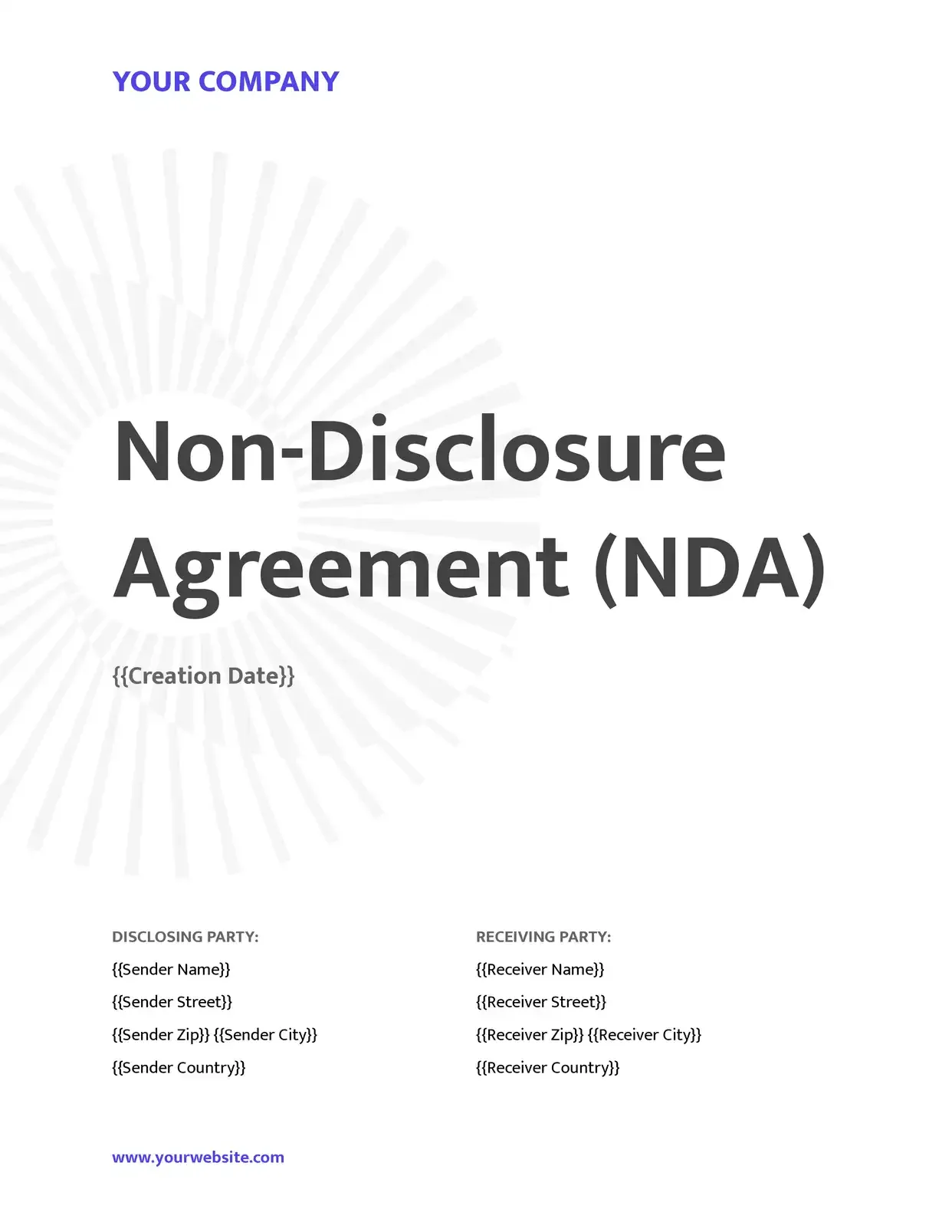 Signed
Contracts go out from your records, and clients sign them online.
Service agreements · Leases · NDAs · Engagement letters

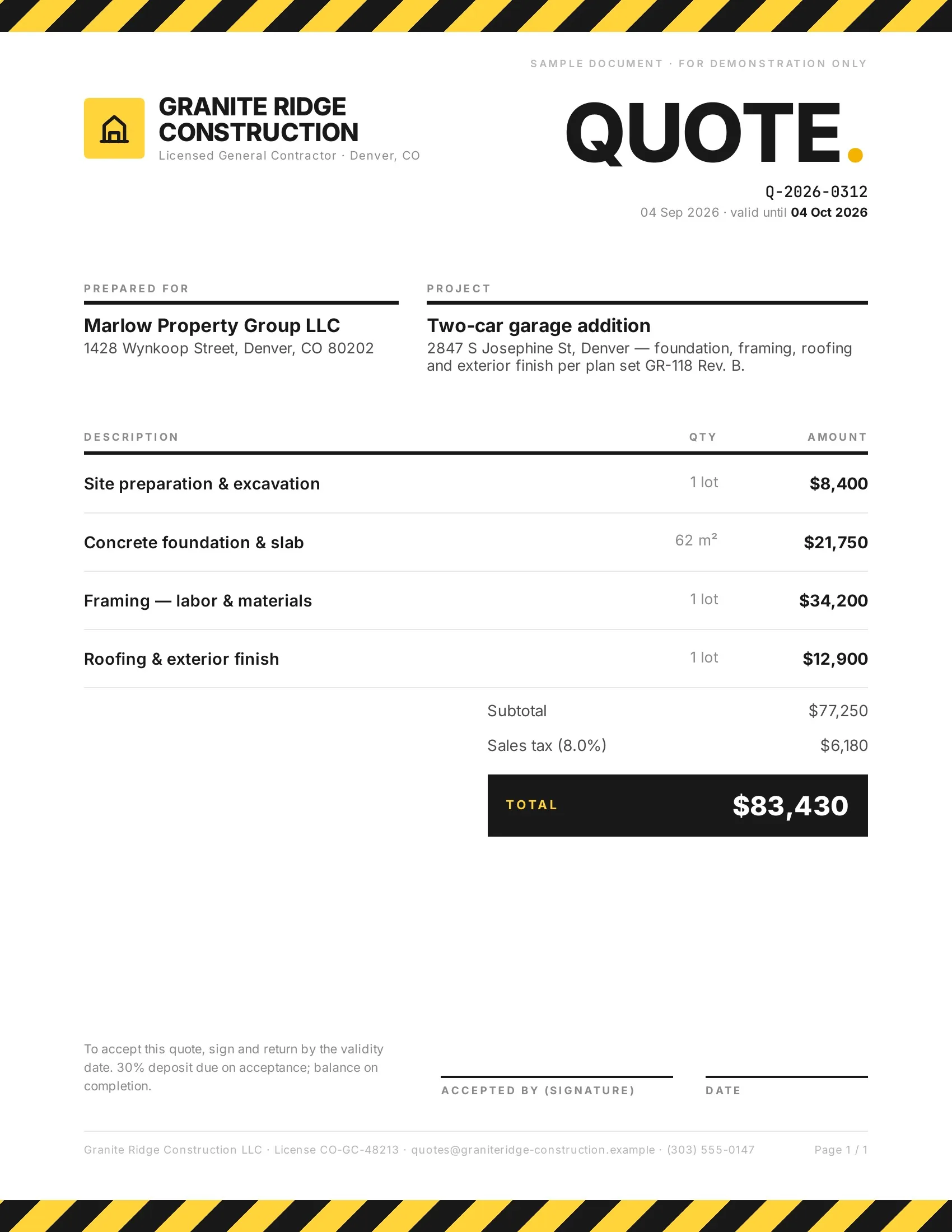 Accepted
Customers accept quotes and change orders in one tap, so work starts sooner.
Quotes · Estimates · Order confirmations · Change orders

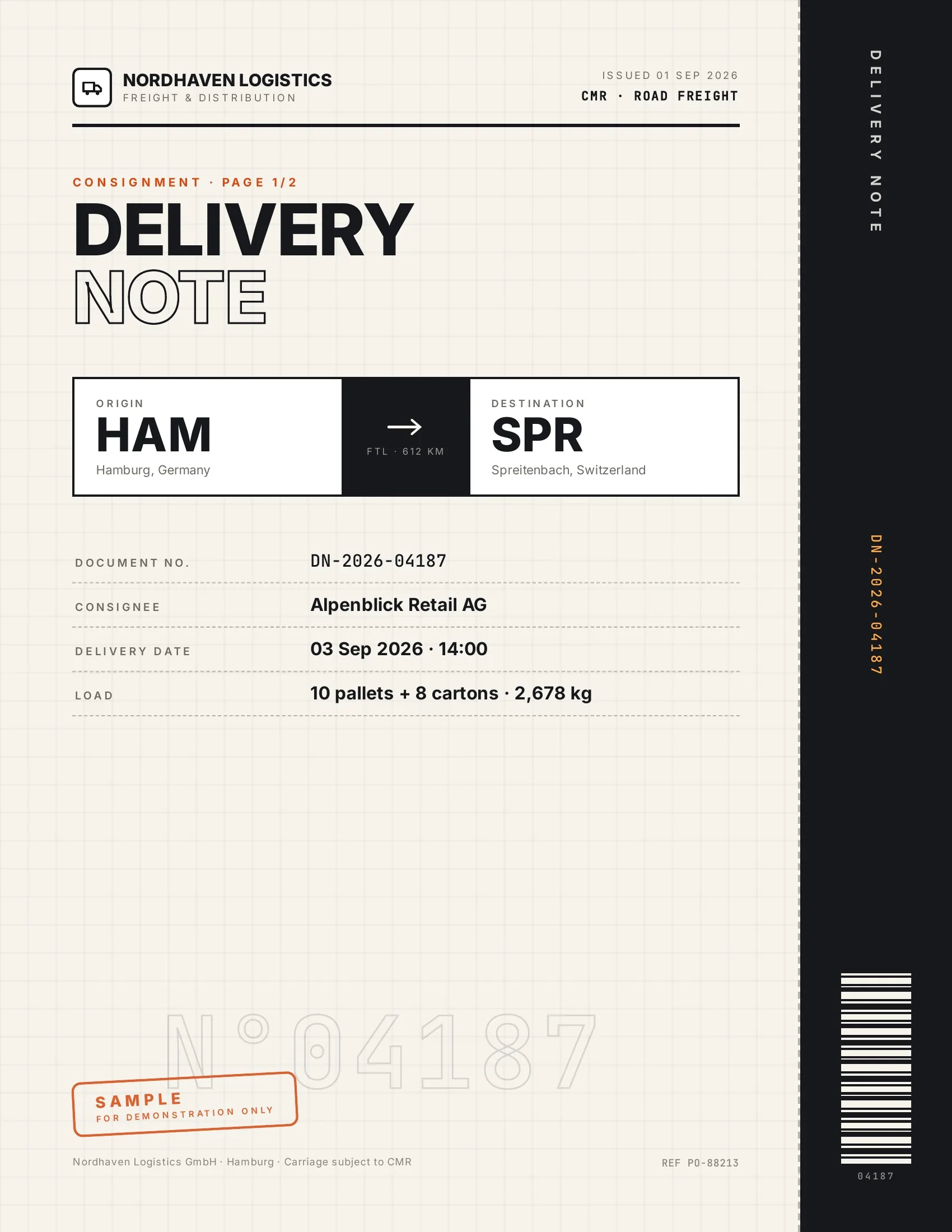 Accepted
Customers accept finished work and deliveries on their phone, on the spot.
Work orders · Delivery notes · Inspection reports · Purchase orders

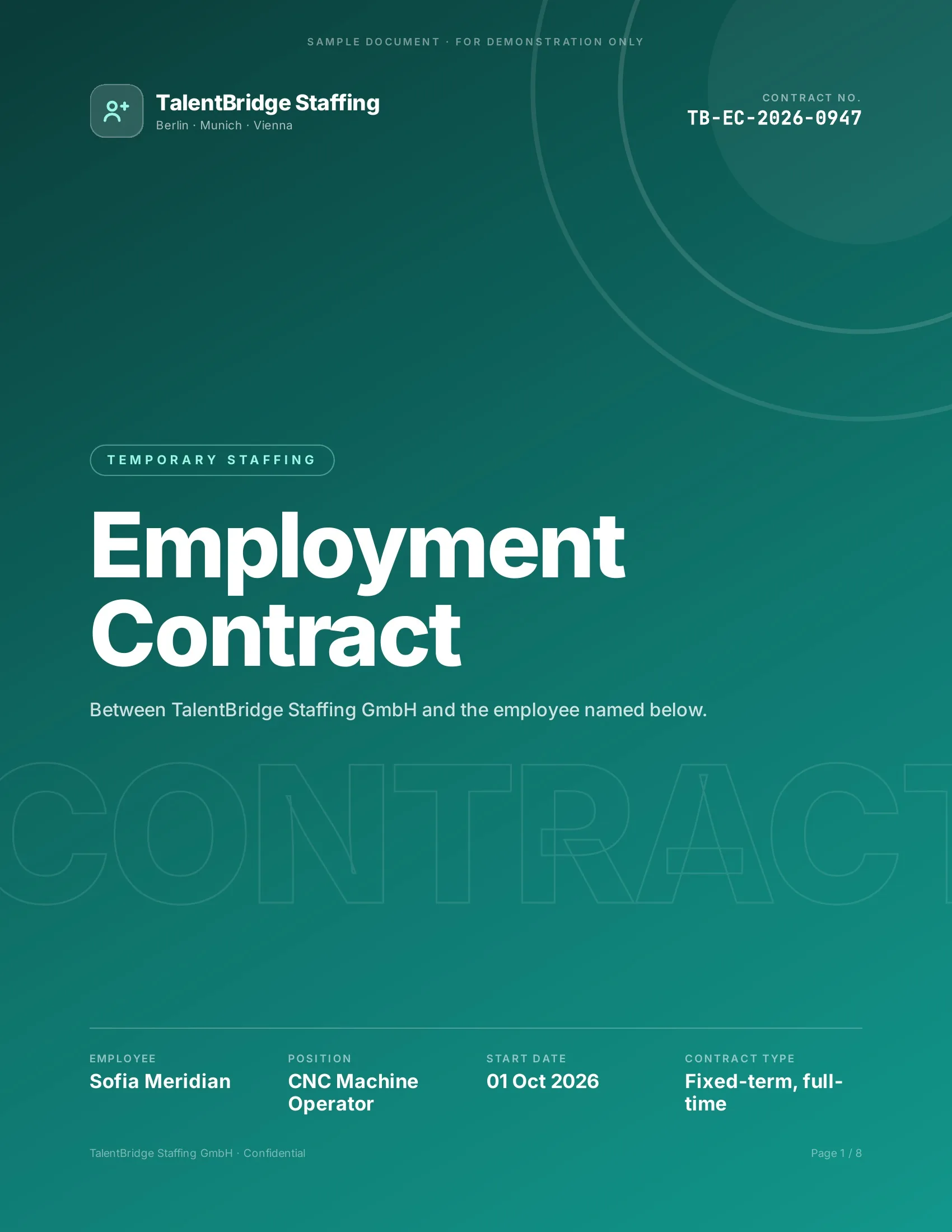 Signed
New hires, clients and students sign their paperwork before day one.
Employment contracts · Offer letters · Enrollment forms · Letters of authority
Powerful reasons to choose DocsAutomator for your Softr workflow automation & signing
Everything you need to seamlessly transform your Softr data into professional documents
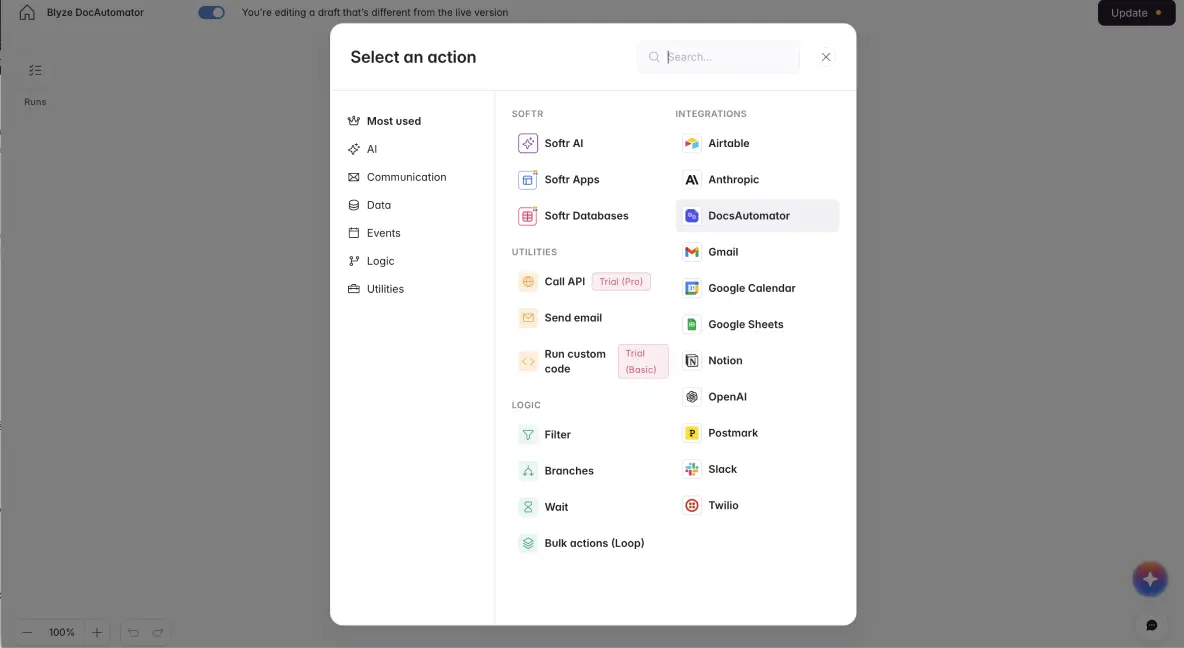

DocsAutomator works perfectly with Softr's extensive field library
Softr is the first AI-native platform for building business software without code. Describe what you need, and Softr's AI Co-Builder instantly creates the database, app, and business logic, already connected, secure, and ready for real users. DocsAutomator seamlessly integrates with your Softr apps powered by Softr's native database or any of its 13+ connected data sources, including Airtable, Google Sheets, HubSpot, Notion, and SQL databases.
Turn your portal and application data into polished documents instantly. Whether your Softr app powers a client portal, internal tool, or CRM, every record can generate professional PDFs with a single click. Trigger document creation from Softr action buttons, list views, or automated workflows, giving your users self-service document generation directly within your custom applications.

Describe it, the AI agent builds it
Tell it what you need. It drafts the template, connects your data, sets up signing and runs a test. No setup screens.

Bring your own AI agent
Connect Claude, ChatGPT, or your own agent. It creates and sends documents within the limits and approvals you set.
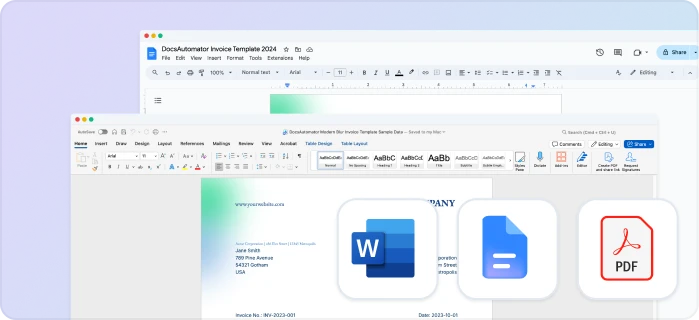
Your own Google Docs, Word or PDF templates
Keep writing your documents where you write them. DocsAutomator fills the placeholders.
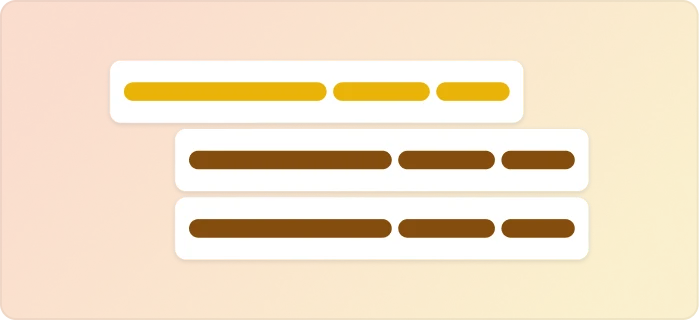
Line items and nested tables
Invoices, quotes and any itemized list, straight from your data.
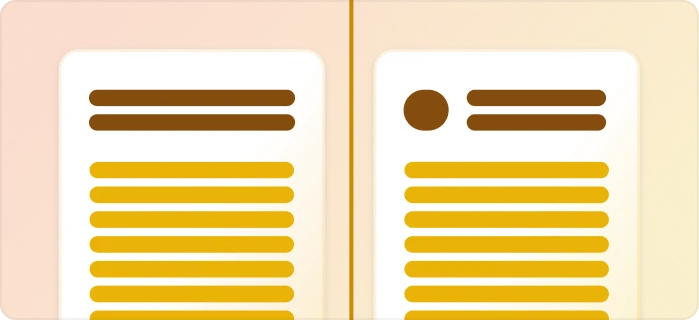
Conditional content
Sections, styling and images that show or hide based on the data.
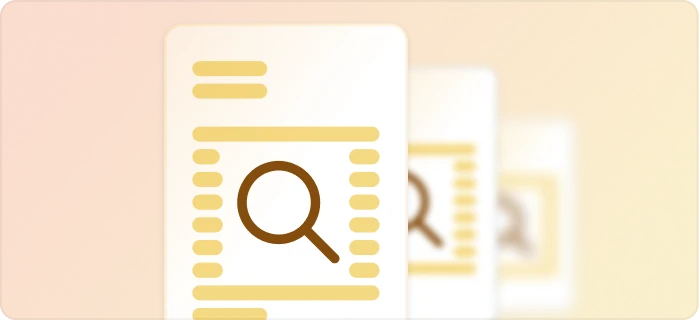
Preview mode
Unlimited previews until you're happy, and no credits wasted on testing.
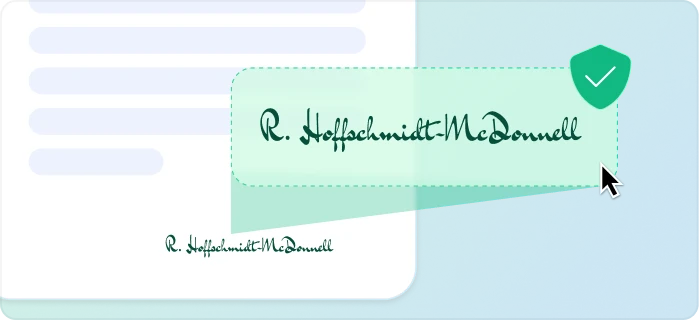
E-signatures, sent automatically
Legally binding, with a full audit trail. Nobody chases anyone.
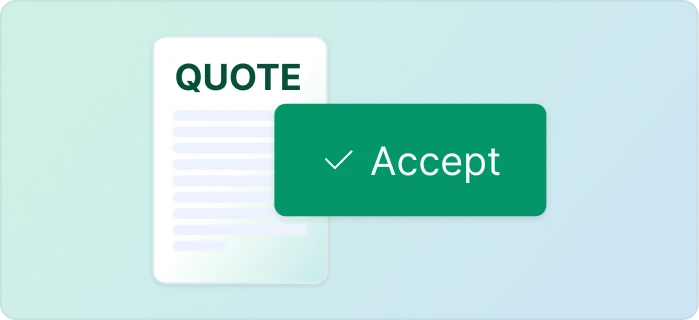
One-click acceptance for quotes
Your client accepts with one click. Recorded, no signature ceremony.
Signed or accepted copies delivered and filed automatically
Every finished document is emailed and saved back to your Airtable, Notion, sheet, or Drive folder.
Start automating & signing in minutes!
Set up in minutes, save weeks of work
Three easy steps to automate and sign your documents
Create a Google Docs or Word template
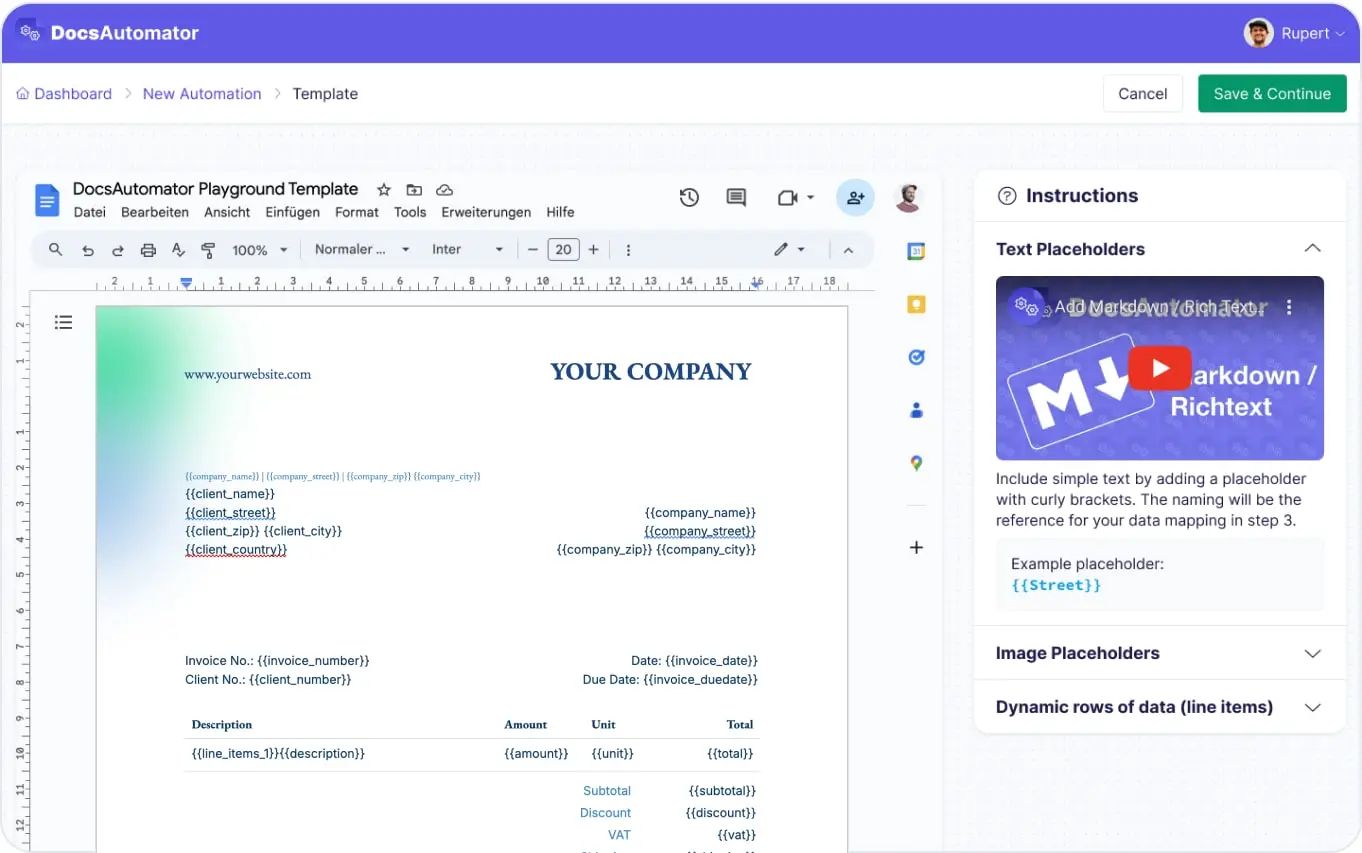
Map Data & Preview
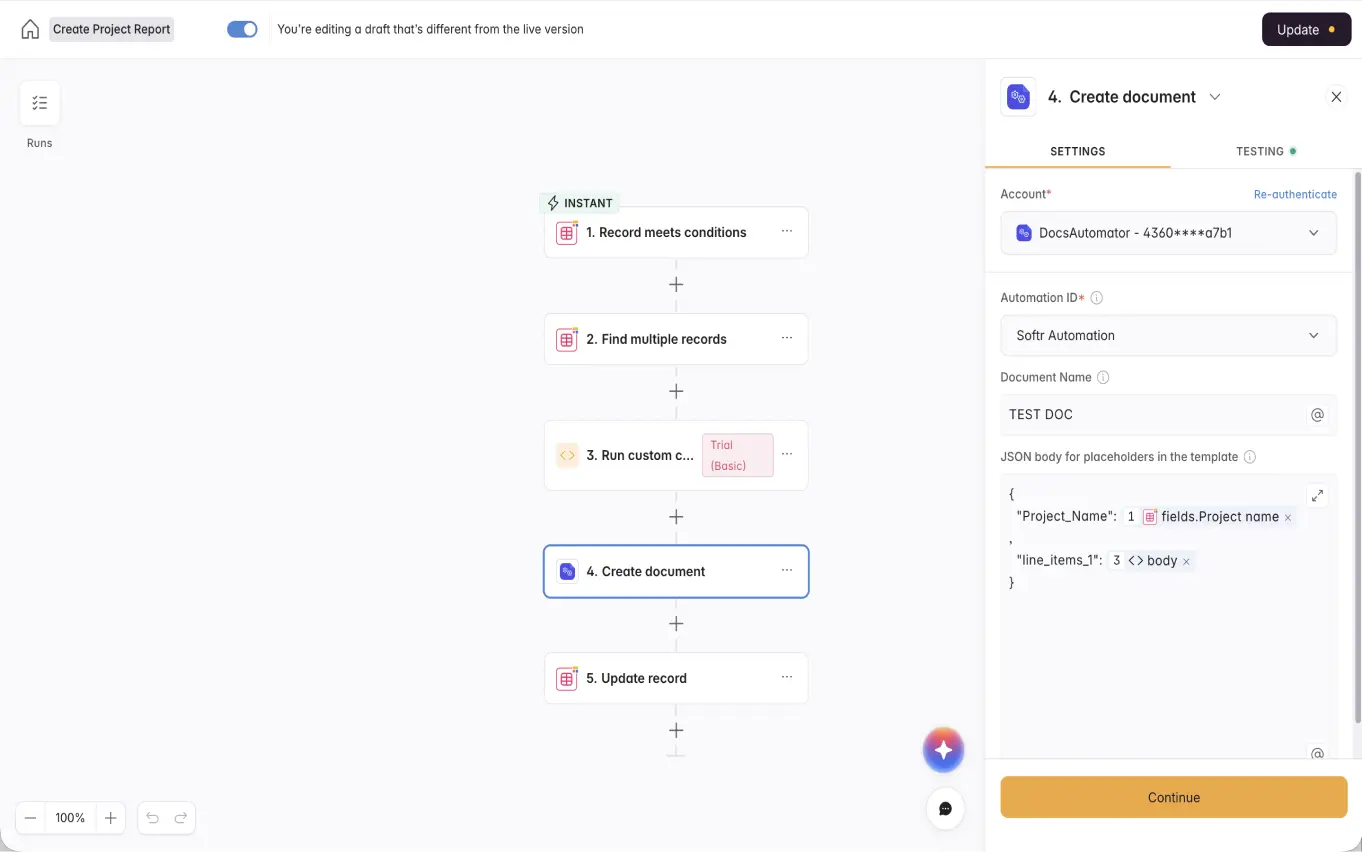
Start Automating & Signing Documents
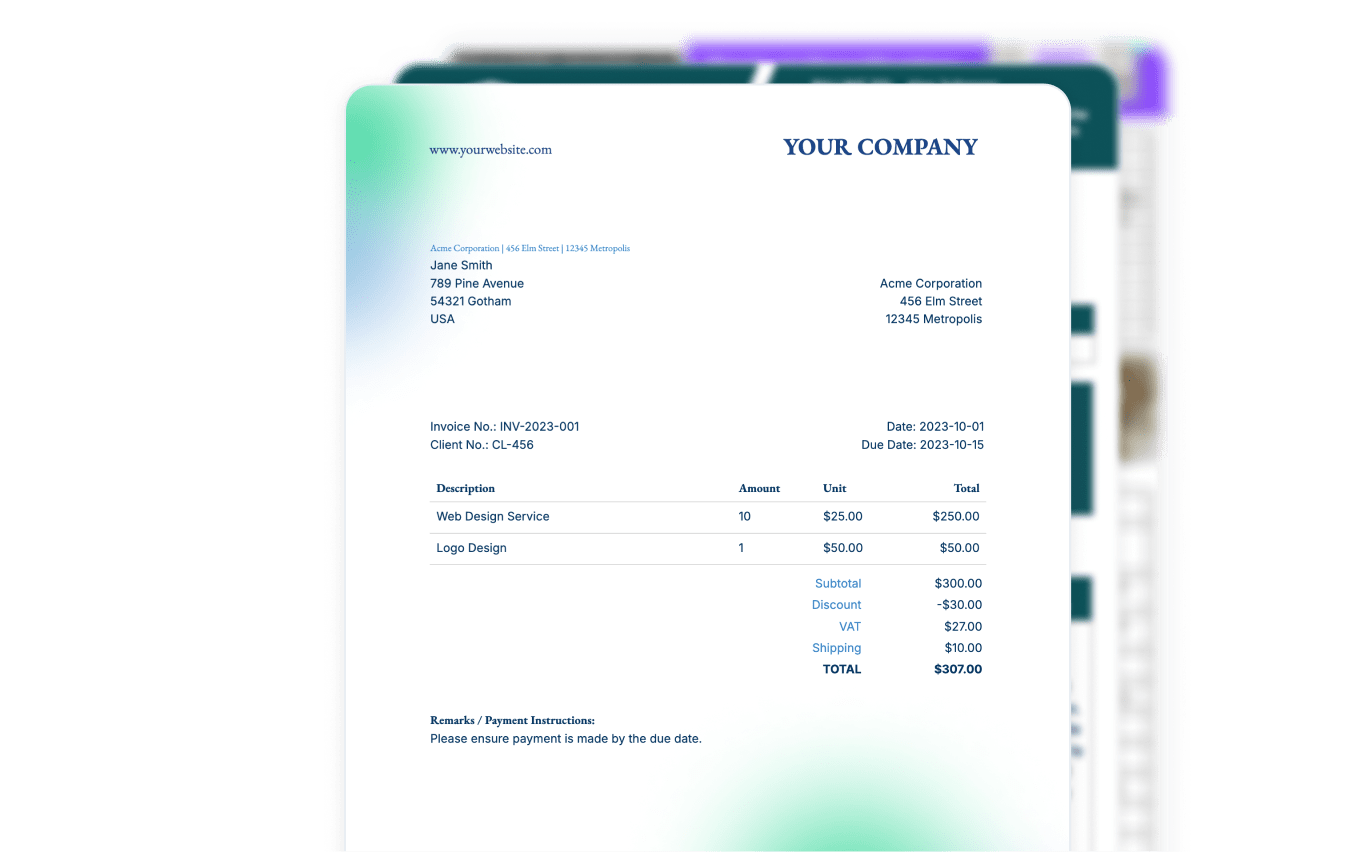
Step by Step Implementation Guide
Start automating & signing in minutes!
For businesses in Germany
E-invoices
DocsAutomator creates e-invoices as ZUGFeRD or XRechnung from your Softr app data and checks each one against the official rules before it goes out. It is included in every paid plan, and you switch it on under Settings, Add-ons.
See how e-invoicing worksFrequently Asked Questions
Start automating & signing in minutes!
Customer Voices
Don't take our word for it. Here's what our customers say about us:
I was looking for a convenient solution to generate Google docs based on Airtable data, which supported features like Line Items and Dynamic Folder Creation. I was thrilled to find DocsAutomator, the experience and support has been excellent.

Doug H.
This is exactly what our company was looking for. It works fantastic, thank you!
Jordy Urbanski
DocsAutomator has decreased the amount of time I spend making the repeatable and batch documents I need for my business. [...] It's easy to set up and a very user friendly no code tool. Plus they are always making improvements. Love it.
Patrick Beseda
Before I discovered Docsautomator, generating reports from Airtable was a time-consuming task that drained both my time and energy. However, Docsautomator changed everything and made the process feel effortless.

Kuladej Lertkachonsuk
I had a complex process with Airtable and Fillout I was trying to work out and an Airtable consultant told me about DocsAutomator as a much better alternative to Airtable's Page Designer for external documents. She also said Rupert was very helpful.
Sabrina Allison
I haven't used a ton of them document generators. The built-in one in SmartSuite is painful to use. I've tried to integrate Adobe but sheesh... Then you showed up in Glide and I thought I'd give it a try.
Randall Nichols
More integrations

Airtable
Airtable combines spreadsheet and database features for data organization and collaboration.
Notion
Notion is the connected workspace where better, faster work happens. Build wikis, manage projects, and run your business.
Google Sheets
Google Sheets is a cloud-based spreadsheet app for real-time collaboration.
Google Forms
Google Forms is a free online tool to create forms to collect and organize data efficiently.

Glide
Glide makes it easy to build custom business software powered by your data, without code.


SmartSuite
SmartSuite replaces disconnected point solutions with a modern platform that scales across functions.

Noloco
The fastest way to create custom internal tools, client portals, CRMs and other business tools.

ClickUp
ClickUp brings teams closer together with connected workflows, docs, real-time dashboards and more.

Zapier
You can automate a simple task or build an entire automated system, all on Zapier.

n8n
Flexible AI workflow automation for technical teams.

Make
AI automation you can visually build and orchestrate in real time.
API
Use our API to build connect your custom app and use the power of DocsAutomator.
Start automating & signing in minutes!
Ready to automate & sign your Softr Documents?
Join 1,200+ businesses saving hours on document creation
Unlimited testing, no credit card required