To see the full preview, please revisit this page on your desktop device.
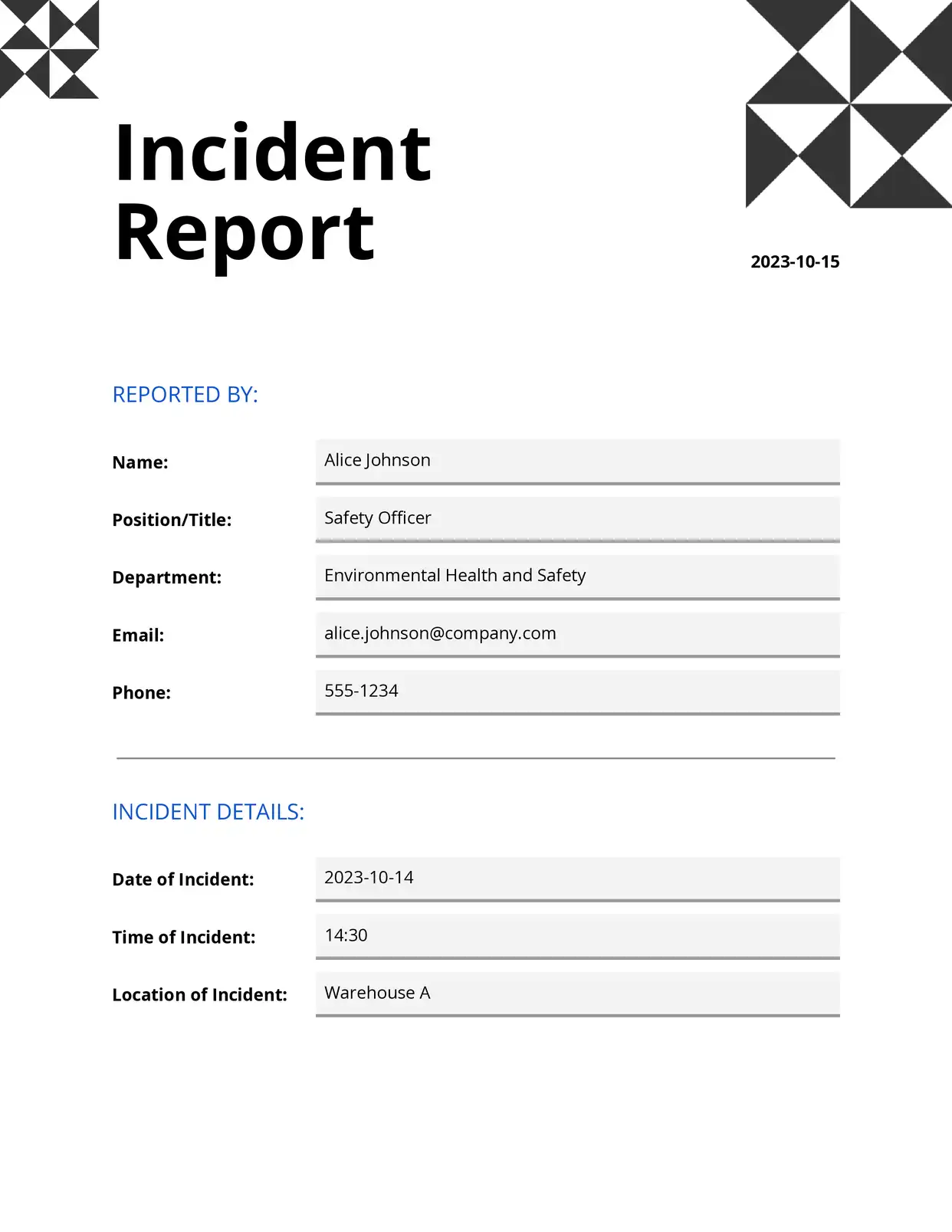
Incident Report Template
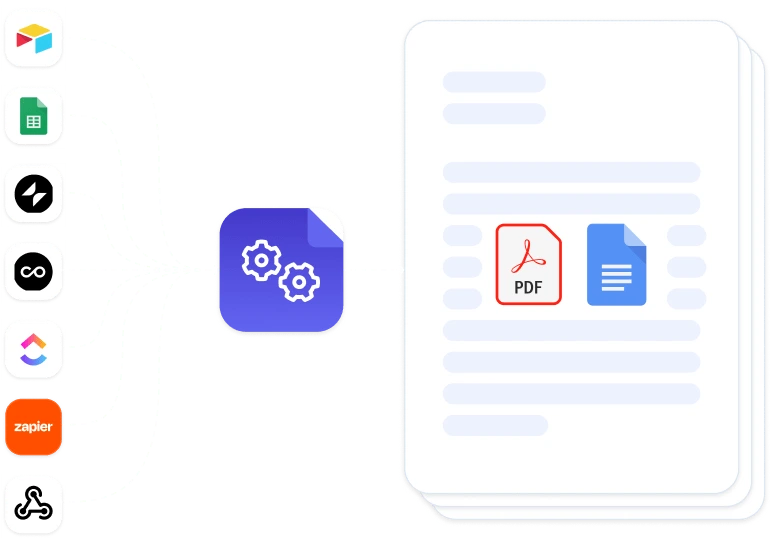
Want to automate this template?
- 1Start with this template, placeholders included
- 2Map data from your data source
- 3Generate documents automatically
How do you write the description of an incident?
Write it at the scene, not at your desk at the end of the day. Put things in the order they happened. Say what you saw and heard, not what you think caused it. Use names, times and places instead of "someone" and "earlier". Here's a made-up example, written both ways:
| Written later from memory | Written at the scene |
|---|---|
| Around lunch a pallet fell in the warehouse because someone was careless with the forklift again. One of the guys hurt his arm. It got cleaned up. | At 14:30 in Warehouse A, aisle 4, Tom Reyes was lifting a pallet of boxed stock to the top rack with the forklift. The load shifted and three boxes fell to the floor. One hit Maria Chen on the left forearm as she walked down the aisle. Alice Johnson gave first aid at 14:35 and closed the aisle at 14:40. |
The first one blames someone it never names, and it doesn't say when, where or who got hurt. The second one lets someone who wasn't there understand what happened, and it gives the follow-up section something to work with.
What should you add to this template?
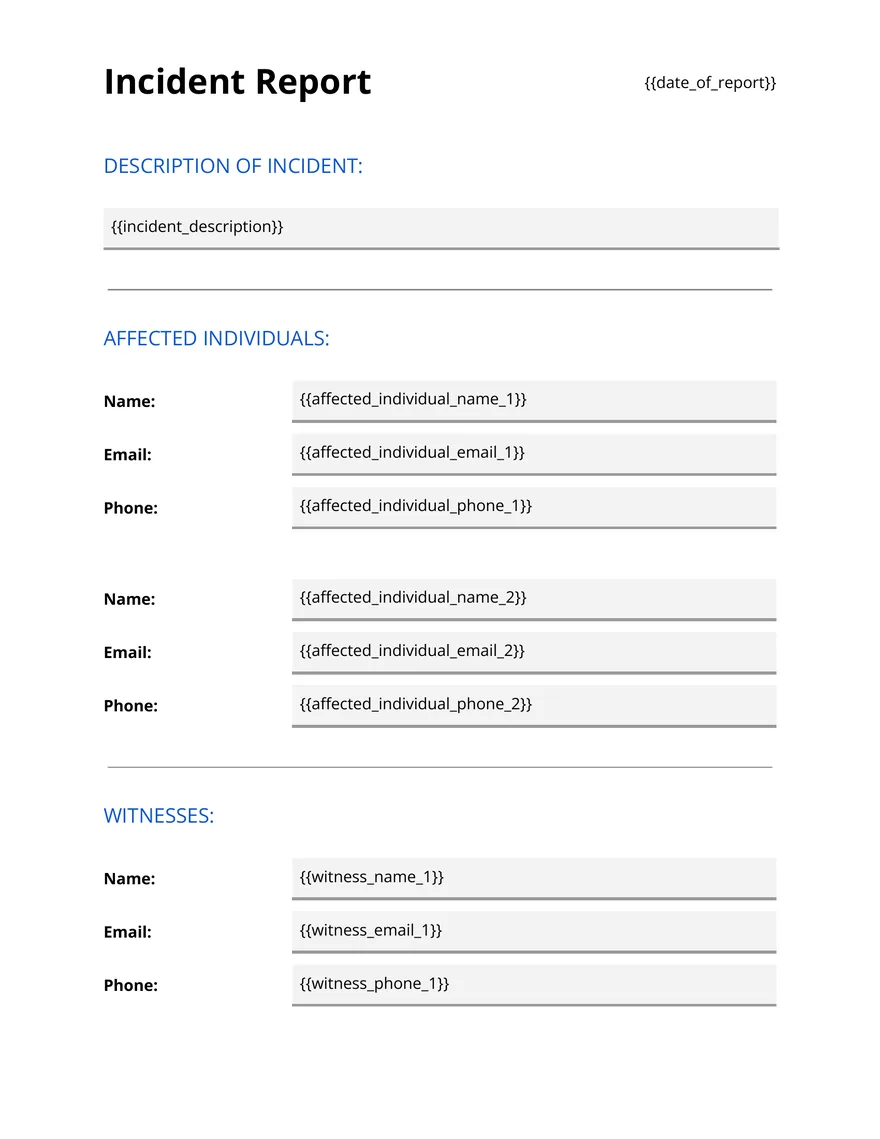
We'd add two things. First, injuries and damage: add a heading under the description for who got hurt and how, the first aid given and what was broken. Second, signature lines: the template ends with the approver's name, position and date, but there's no line to sign on.
How do you get the report written at the scene?
Make a Google Form with one question for each part of this report, and open it on a phone at the scene. DocsAutomator reads the form's responses directly (you don't need a linked spreadsheet), checks for new ones every few minutes and makes a filled-in copy of this Google Doc for each response. Each report then lands in Google Drive or goes out by email.
To have it signed, type {{esign.signature_1}} and {{esign.date_1}} under "Reported by". The first signer is whoever filled in the form, as long as the form collects email addresses. Then type {{esign.signature_2}} and {{esign.date_2}} under "Report approved by" and set your supervisor's email as the second signer. They can sign after the reporter does. E-signing is included in every plan.