Free Contract Templates for Google Docs
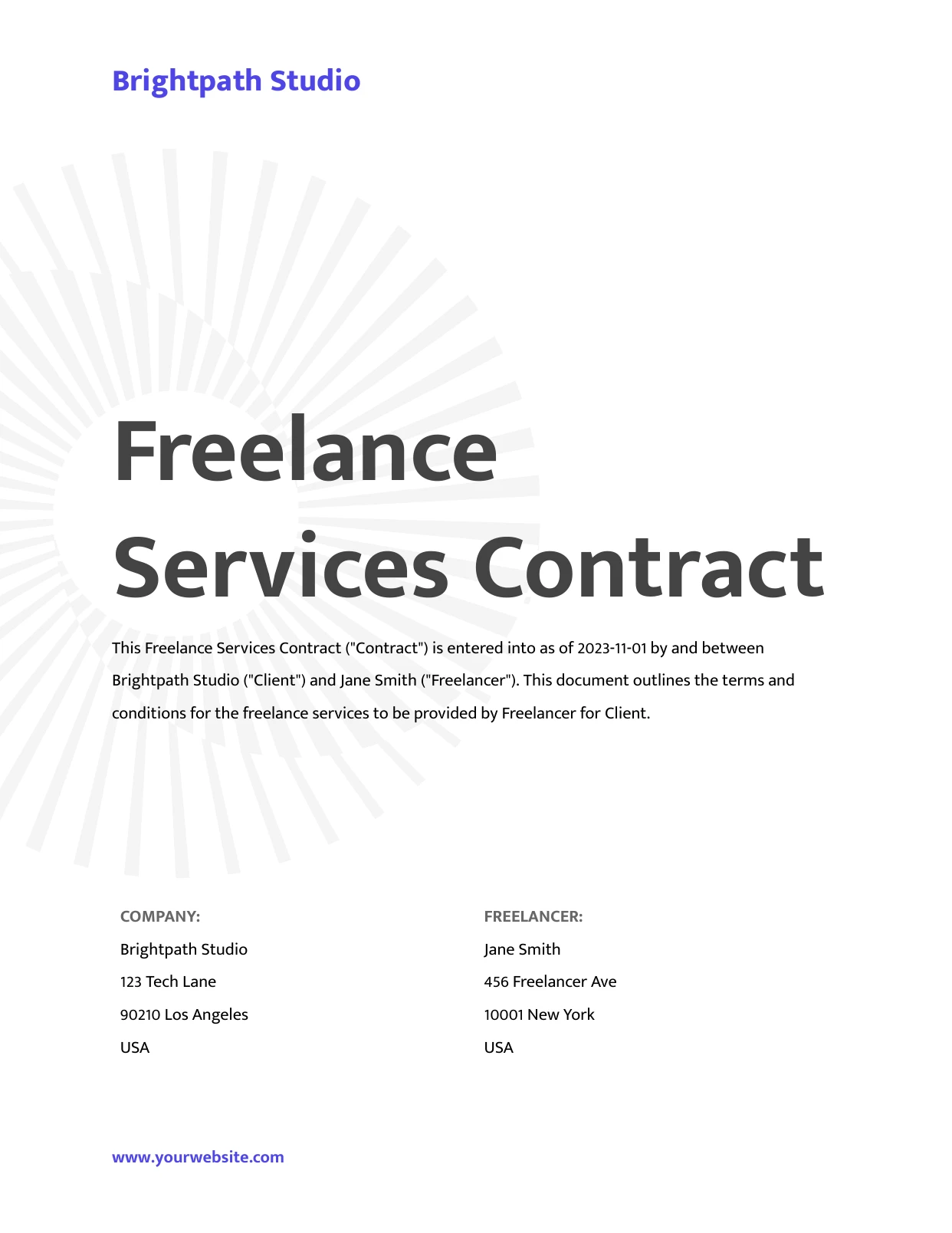
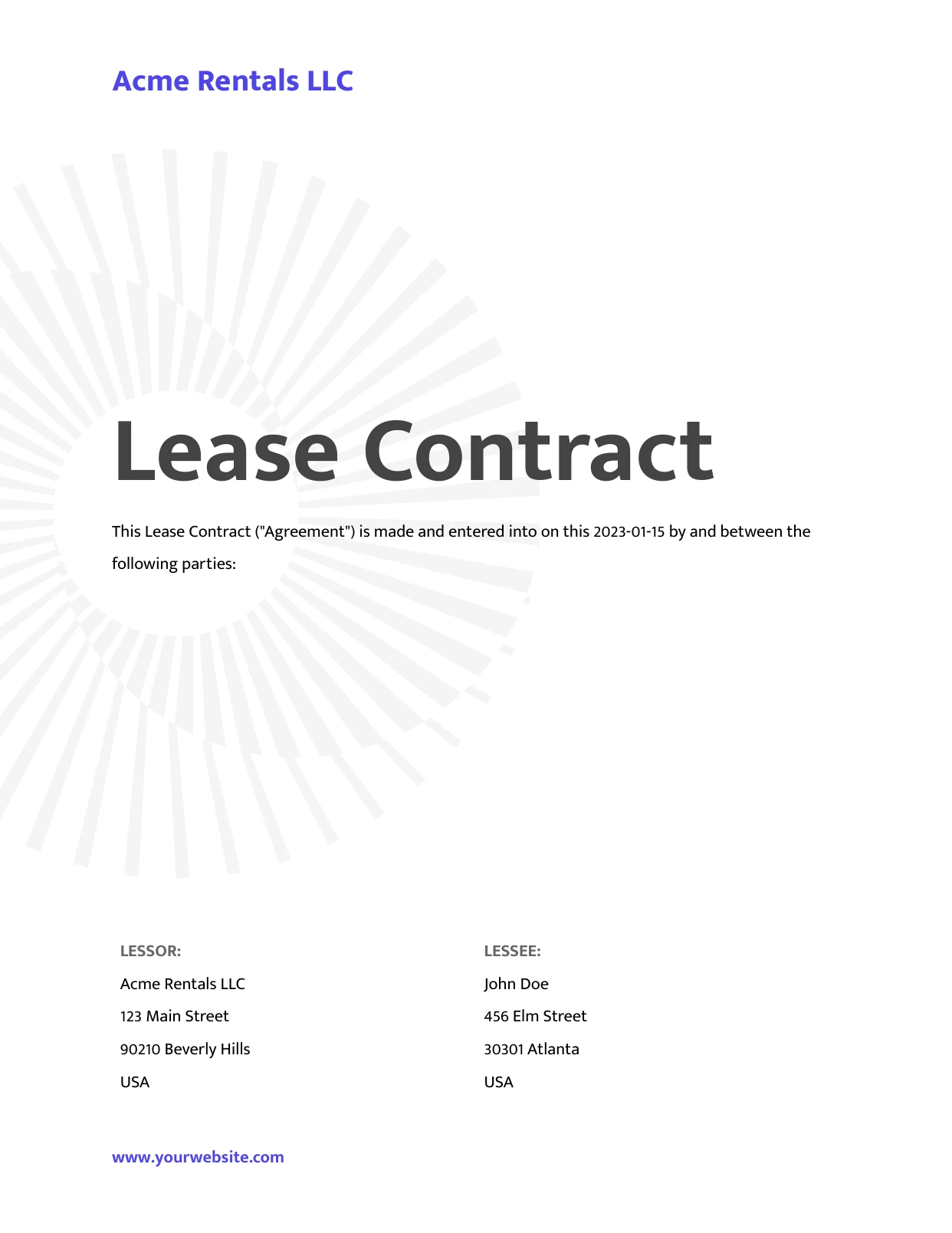
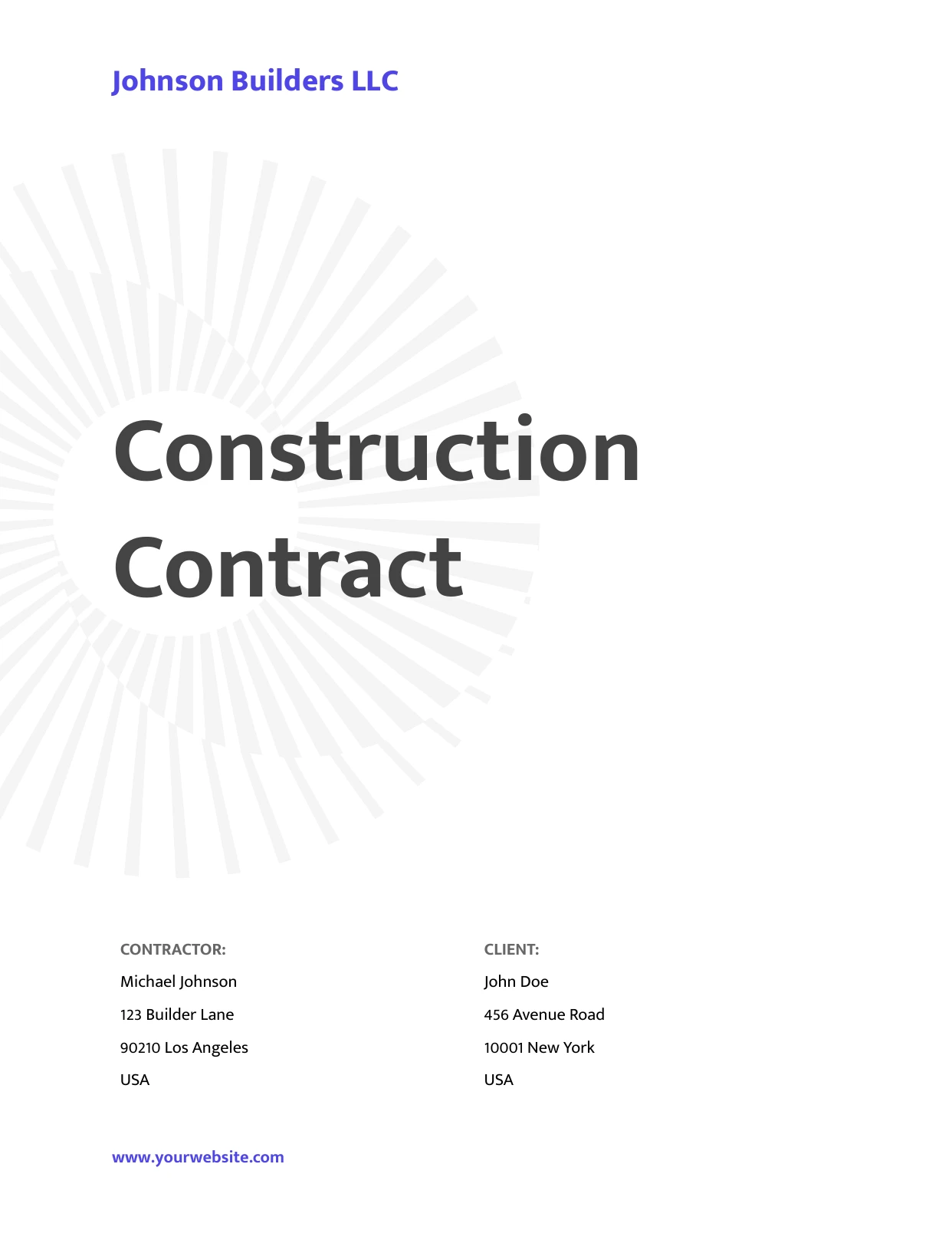
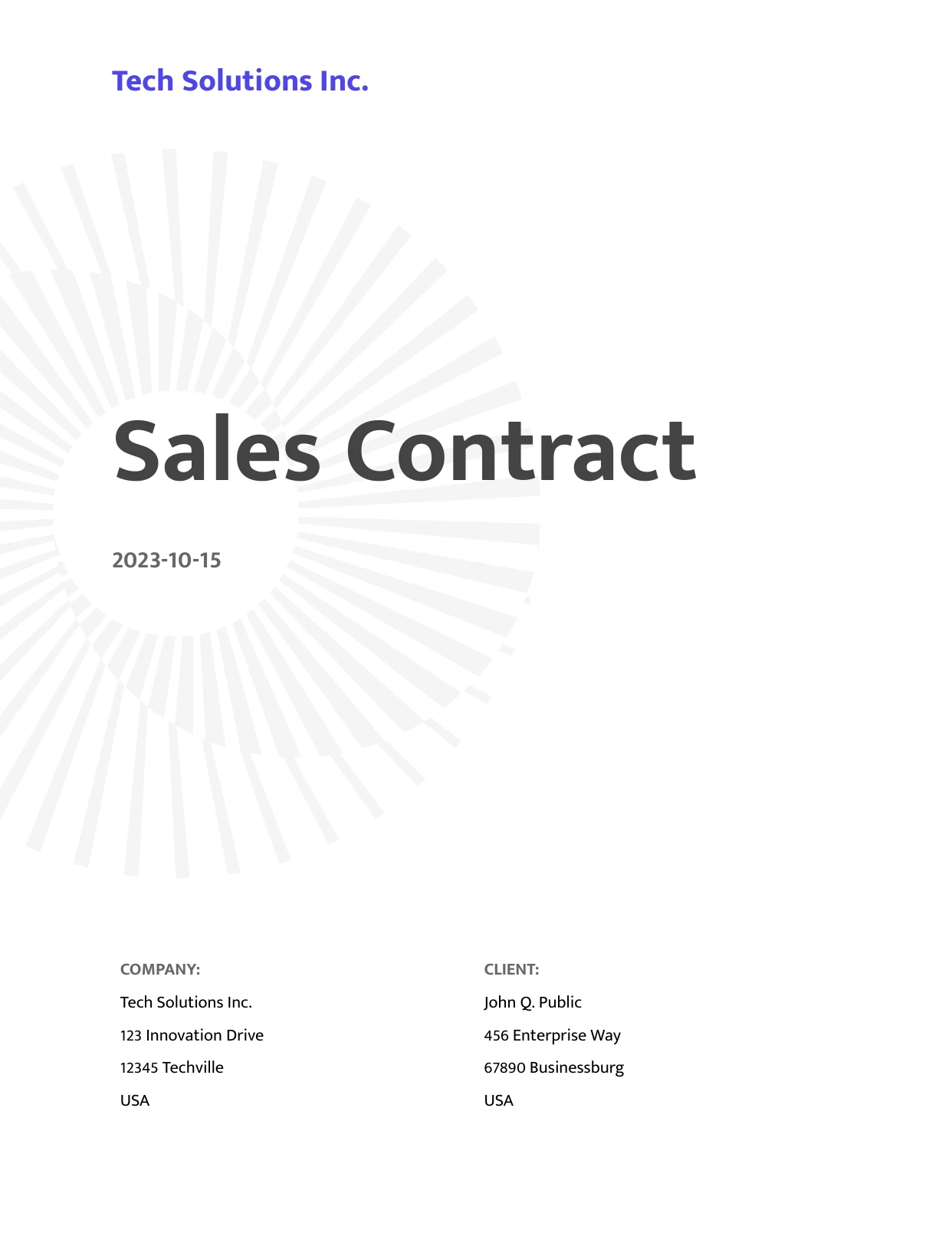
Five free contract templates for Google Docs and Word: a sales contract, a lease, an employment contract, a freelance services contract and a construction contract. Copy one into your Google Drive and edit it, with no DocsAutomator account needed. The table below shows which clauses each one covers, so you can see what to add for your deal.

Top 3 Contracts Templates
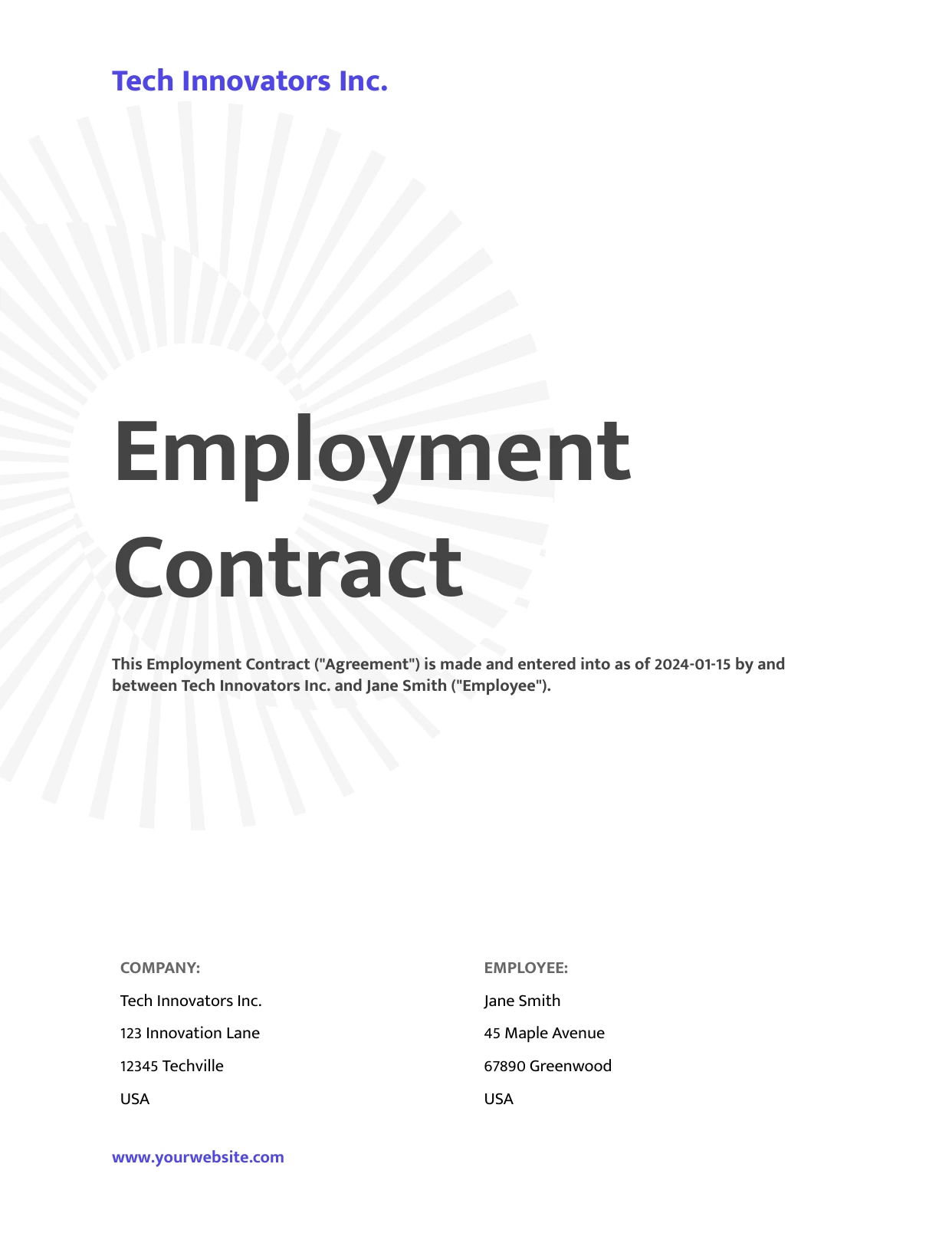
Automate & e-sign documents from your data
Connect these templates to Airtable, Google Sheets, and more. Automatically generate personalized documents and collect legally binding e-signatures.










All Contracts Templates
Which contract template covers what
All five templates cover the parties and what is being sold, rented or done. They also cover the price and how it is paid, the dates, how either side can end the contract, and a signature block for both sides. The other clauses differ by template. A blank cell means the template doesn't have that clause, so add it if your deal needs one.
| Clause | Sales | Lease | Employment | Freelance | Construction |
|---|---|---|---|---|---|
| Deposit | No | Yes | No | Yes | Yes |
| Warranty | Yes | No | No | No | Yes |
| Limit on liability | Yes | No | No | No | No |
| Insurance | No | Yes | No | No | Yes |
| Maintenance and repairs | No | Yes | No | No | No |
| Confidentiality | No | No | Yes | Yes | No |
| Intellectual property | No | No | No | Yes | No |
| Revisions | No | No | No | Yes | No |
| How disputes are settled | Yes | No | No | No | Yes |
| Which law applies | Yes | No | Yes | Yes | No |
Need a service or independent contractor agreement? Start with the freelance services contract. It sets out the scope of work, the deliverables and the payments. Non-disclosure, partnership, vendor, service level and data processing agreements are in our free agreement templates, and every contract here also comes as a Word file.
A template is a starting point, not legal advice. Each one ends with the same note: tailor it to your needs and have a lawyer check it against the laws that apply.
From one contract to one per record
Every template marks the details that change from deal to deal with placeholders, such as {{Client Name}} or {{Total Price}}. Keep those details in Airtable, Google Sheets, Notion or Glide. DocsAutomator then writes one contract per record and sends it for e-signature. The signed PDF, with its signing certificate, goes back to the record.
The payment schedule can grow with the deal, too. The freelance template lists three payments. Put them in one table row marked {{line_items_1}} instead, and DocsAutomator repeats that row for every payment linked to the record in Airtable or Notion, so a deal with five payments gets five rows.
Of the contracts and agreements DocsAutomator customers sent for signature in September 2026 and that were signed by October 4, half were signed within about 3 hours of sending, and three out of four within 38 hours.
See how e-signatures work in DocsAutomator. If you would rather not build it yourself, our team can set up your contract automation for you.
About the signing times: each signed contract counts once, so customers who send many contracts count more than customers who send a few.