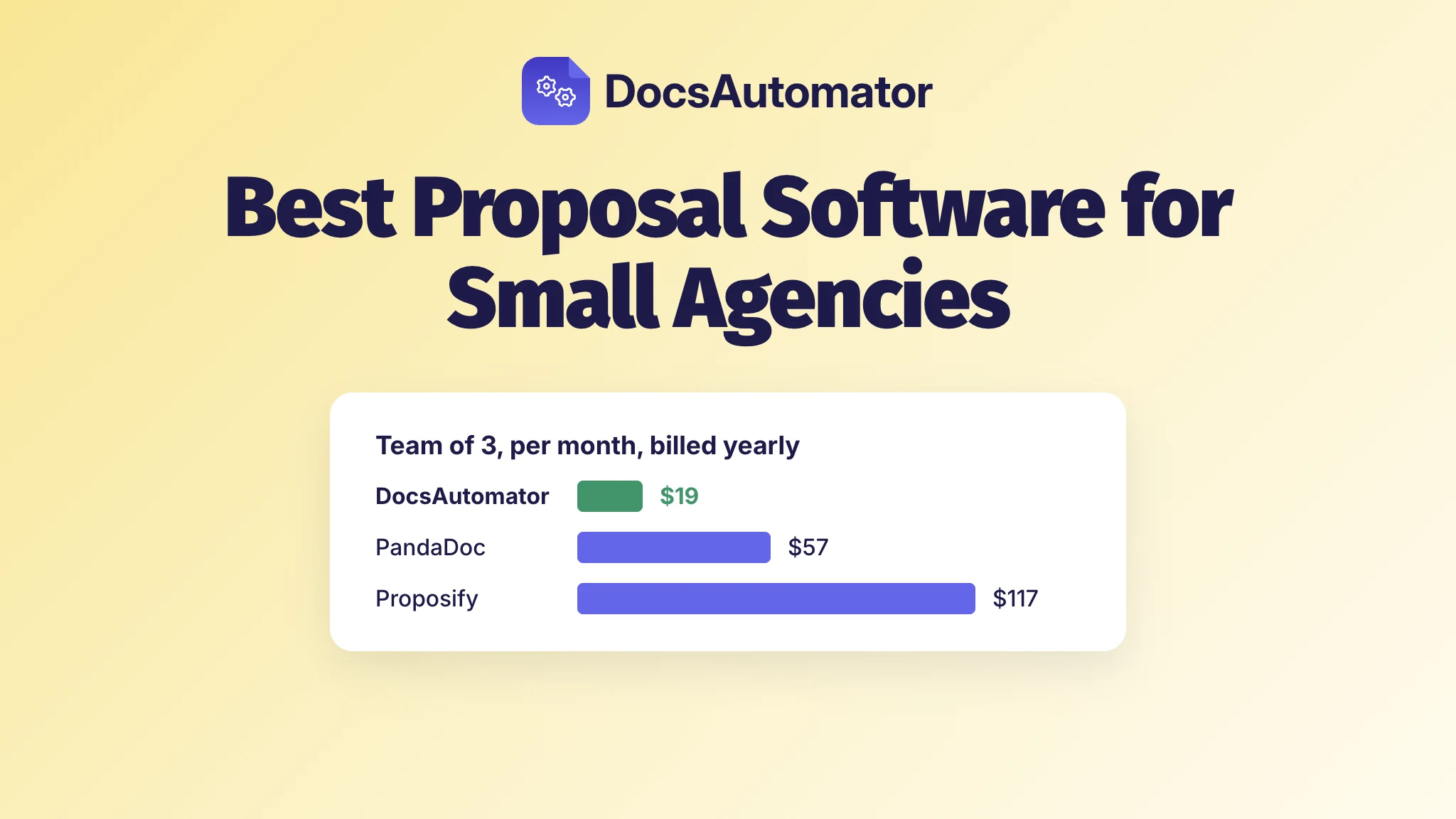
If your deals and prices already sit in Airtable, Google Sheets or Notion, DocsAutomator is the best proposal software for a small agency. It fills your own proposal template from the deal record, the client accepts with one click or signs, and the whole team pays $19 a month billed yearly. PandaDoc, Proposify, Qwilr and Better Proposals charge per person, so their price goes up with every hire.
Picture a three-person agency. The deal is already in Airtable: the client, the scope, the line items, the price. Then someone opens a proposal tool, types it all in again, and the tool bills all three of them for it. For a team that size, the choice comes down to what the whole team pays, whether the proposal is made from the deal you already track, and what the client has to do to say yes.
What does proposal software cost for a team of three?
DocsAutomator has unlimited team members on every plan: a fourth person, or a tenth, costs nothing. Six of the other eight charge for each extra person.
| Tool and plan | 3 people a month, billed yearly | 3 people a month, billed monthly | A 4th person adds |
|---|---|---|---|
| DocsAutomator Professional | $19 | $29 | $0 |
| Nusii Agency | $40.83 ($490 a year) | $49 | $19 |
| PandaDoc Starter | $57 | $105 | $19 |
| Bonsai Essentials | $57 | $75 | $19 |
| Better Proposals Premium | $63 | $87 | $21 |
| Ignition Core | $99 | $149 | No published price; Core covers 3 users |
| Qwilr Starter | $105 | $147 | $35 |
| HoneyBook Premium | $109 | $129 | $0 |
| Proposify Build | $117 | $147 | $39 |
How does each tool get the client's yes, and where does the proposal come from?
Eight of the nine have you build each proposal in their own editor.
| Tool | The client says yes by | The proposal's content comes from |
|---|---|---|
| DocsAutomator | One click on Accept, or an e-signature | Your Google Docs or Word template, filled from an Airtable, Google Sheets or Notion record. HubSpot or Pipedrive through Zapier, Make or n8n. |
| PandaDoc | E-signature | Its own drag-and-drop editor. Lists Google Sheets, HubSpot, Salesforce and Pipedrive integrations. |
| Proposify | E-signature | Its own drag-and-drop editor. Lists HubSpot, Pipedrive, Salesforce and Airtable integrations. |
| Qwilr | One click on Accept, or an e-signature | Its own web pages. HubSpot, Zoho and Pipedrive on Starter. |
| Better Proposals | E-signature, or accept with a click | Its own editor, or an imported Word template. HubSpot and Salesforce from Premium. |
| HoneyBook | Sign and pay from one link | Its own editor and its own client records. |
| Ignition | E-signature, with payment collection | Its own templates and client records. HubSpot deal stages can create clients. |
| Bonsai | One click on approve, with an optional deposit | Its own templates and client records. |
| Nusii | Read, accept and sign in the browser | Its own editor. Contacts sync from HubSpot or Pipedrive. |
What should you know about each tool?
1. DocsAutomator
How it works: suppose your deal lives in Airtable, in a Deals table with the client, the contact's email, the scope and a Status field, plus a linked table of line items. You write the proposal once in Google Docs or Word, the way you'd send it by hand, with a placeholder wherever a value from the deal goes. The price list is one table row that starts with {{line_items_1}}, and it repeats for every line item linked to the deal. A retainer section can show only when the deal has a retainer. Whoever owns the wording keeps editing that file where they always have.
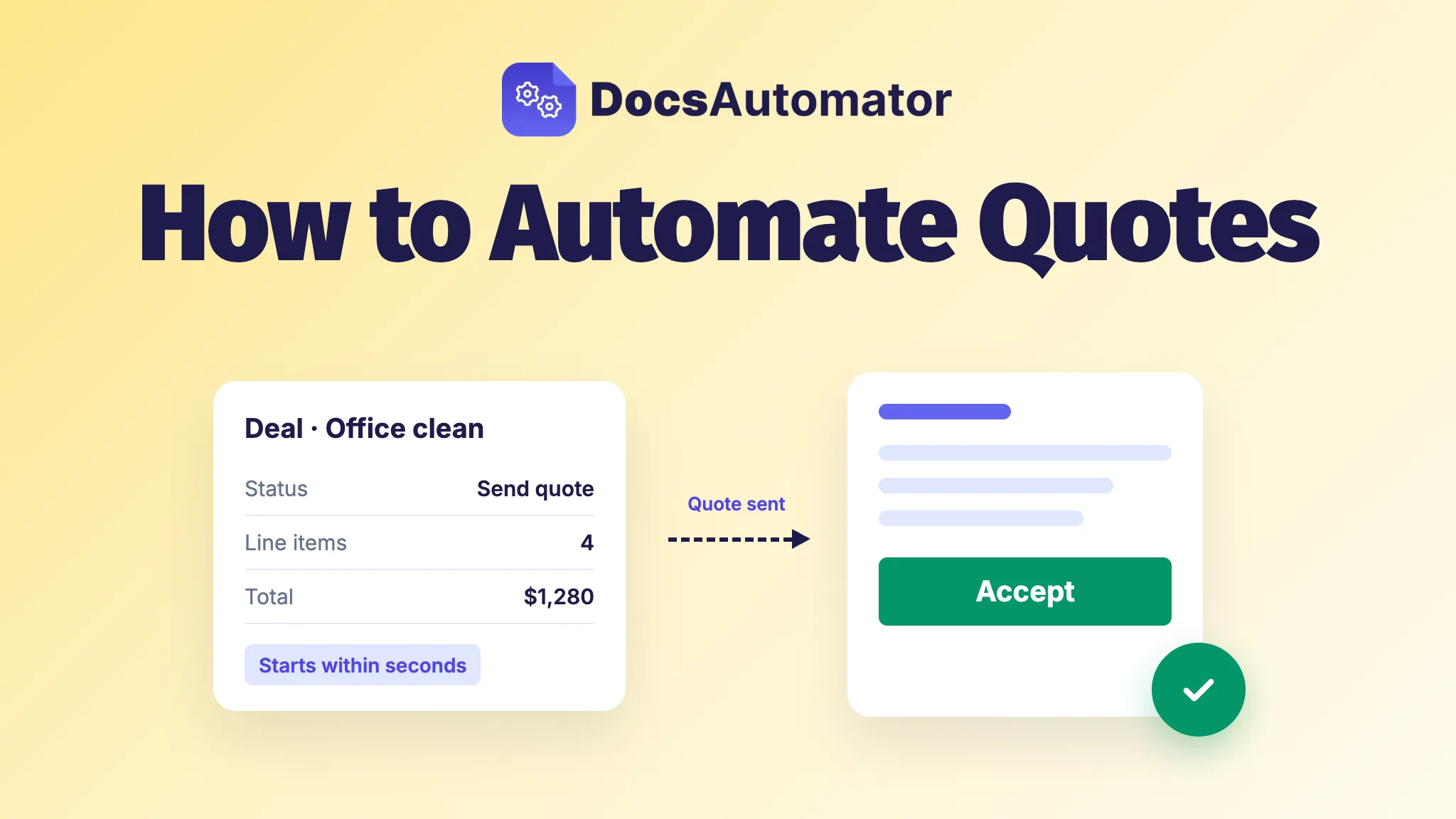
When someone sets Status to "Send proposal", DocsAutomator fills the template, usually within seconds, and emails it to the contact. The client opens it on a phone or a laptop, reads it and clicks Accept, with no account and nothing to draw. Nobody copied a price into a second tool. A Google Sheets row works the same way (new rows are checked every 5 minutes), and so does a Notion database (typically 1 to 2 minutes).
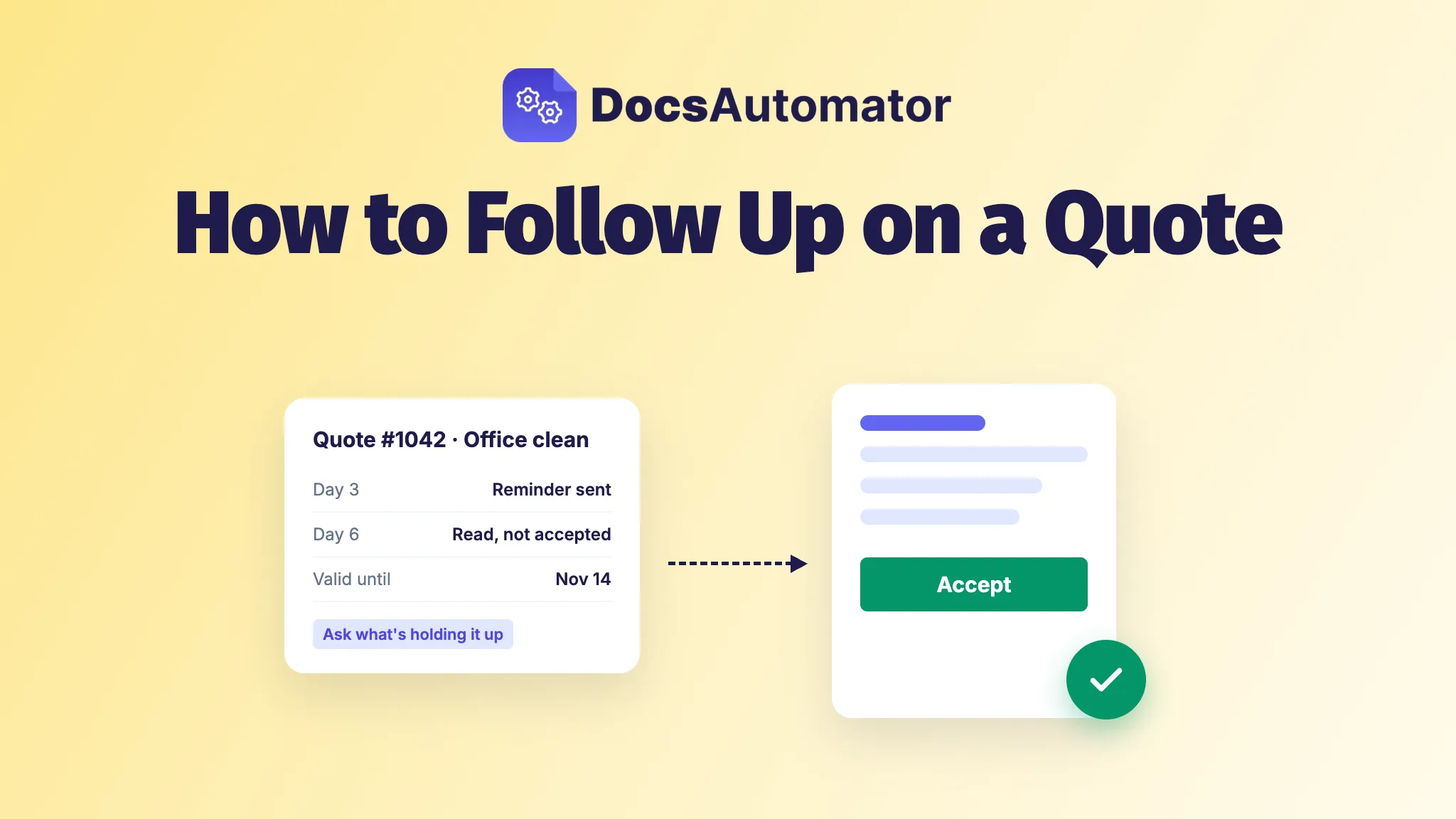
After the yes: the accepted PDF is sealed, with a certificate on its last page that records the time, the email address, the IP address, the device and the typed name. It's saved back to the Airtable record, the Notion page or the row in your sheet, and a webhook can move the deal along in your CRM. Clients who haven't answered get a reminder every 3 days, up to 3 times, unless you change it. Nobody on your team has to chase.
Pricing: Professional covers the whole team and 100 documents a month, with e-signing and acceptance included. Business ($59 a month billed yearly) raises that to 1,000 documents and adds Approvals, which hold a proposal until the person you choose approves it, for example every quote over a set amount.
2. PandaDoc
What it is: a document editor for sales teams, with CRM links.
Worth knowing: Free and Starter allow up to 5 templates, and documents made through the API or automations need usage credits. The Business plan, which PandaDoc pitches for sales proposals, is $49 a seat billed yearly. DocsAutomator vs PandaDoc has the full comparison.
3. Proposify
What it is: a proposal editor where each proposal is designed by hand. Text from Google Docs or Word gets pasted in.
Worth knowing: every plan has a monthly send limit, with a fee for each send over it, and API access starts on Grow at $65 a user billed yearly. Here's how Proposify compares with DocsAutomator.
4. Qwilr
What it is: proposals as interactive web pages, sent as a link, with payments through QwilrPay. It doesn't take a Word or Google Docs upload; it sells a service that rebuilds your documents as Qwilr pages.
Worth knowing: Starter includes one user, and the next plan, Growth, needs at least five users on a yearly bill. Pages made through Zapier or the API cost $2.50 each on pay as you go. More on the difference in DocsAutomator vs Qwilr.
5. Better Proposals
What it is: a proposal editor with 260+ templates, a Document Importer for Word templates, and payments through Stripe, GoCardless or PayPal on every plan.
Worth knowing: Starter is for one user only. Premium sends up to 50 documents a month, and manager approvals are on Enterprise at $42 a user billed yearly. DocsAutomator vs Better Proposals puts the two side by side.
6. HoneyBook
What it is: a client portal for service businesses, with proposals, contracts, invoices and scheduling in one place.
Worth knowing: Essentials stops at 2 team members, so a team of three needs Premium. HoneyBook is sold to businesses in the U.S., Canada, the UK and Australia.
7. Ignition
What it is: proposals, agreements and billing in one place. Zapier connects it to other apps.
Worth knowing: Core covers 50 active clients, and each one over that adds $5.
8. Bonsai
What it is: client and project management for small teams, with proposals built in.
Worth knowing: Zapier and removing Bonsai's branding need Premium, at $29 a user billed yearly.
9. Nusii
What it is: plain proposal software and nothing else. On Agency and up, the client can pay through Stripe at acceptance.
Worth knowing: Agency allows 20 active proposals at a time.
What if your deals live in HubSpot or Pipedrive?
Then a Zapier, Make or n8n automation watches the deal and hands it to DocsAutomator. In HubSpot, have the trigger watch a property your team sets when the proposal is ready. Zapier's "Updated Deal Stage" trigger only checks for changes every 15 minutes on Zapier's Free plan, while "Deal Property Change" runs at once. Once the deal is won, the contract can follow from the same deal, with the signed PDF back on it as a note. The HubSpot contracts page shows that flow.
Does a proposal need a signature, or is one click enough?
We'd send every proposal to a business client for one-click acceptance and save the signature for the contract. A proposal to a business needs a clear yes from the right person, on record, not a signature block, and one click gives you exactly that. Sign where the contract, the client or your own policy asks for it. In DocsAutomator you set this per automation, so the proposal goes out for acceptance and the contract after it goes out for signing, from the same record. In September 2026, contracts sent for signature with DocsAutomator were typically signed in about 3 hours. The acceptance feature page shows what the client sees, and how to automate quotes walks through the setup.
Is there free proposal software?
Testing DocsAutomator is free, with no time limit and no credit card: test documents carry a watermark and don't count against a plan. PandaDoc has a free plan with 5 documents a month. The others start with a trial: 14 days for Proposify, Qwilr, Better Proposals, Ignition and Nusii, 7 days for Bonsai, and a free trial at HoneyBook. To try DocsAutomator on a real proposal, start from one of the free proposal templates and fill it from a single record in your base or sheet.