

- Claude routine: a Claude Code routine with an API trigger. Routines are available on the Claude Pro, Max, Team and Enterprise plans.
- ChatGPT agent: a ChatGPT workspace agent with an API channel. Workspace agents are available on ChatGPT Business and Enterprise.
Start a Claude routine
1
Create the routine in Claude
Open claude.ai/code/routines and click New task, then Set up manually. Enter a name and the instructions for the agent. Tell it what to do with the event, for example: “The routine-fire-payload block holds a DocsAutomator event. When its event is esign.session_completed, write a short note with the signer, the date and the signed PDF link.”
2
Add the API trigger
In the Trigger row, choose API and click Create. Claude shows the trigger URL and the token. Copy both now, because Claude shows the token only once.
3
Connect the routine in DocsAutomator
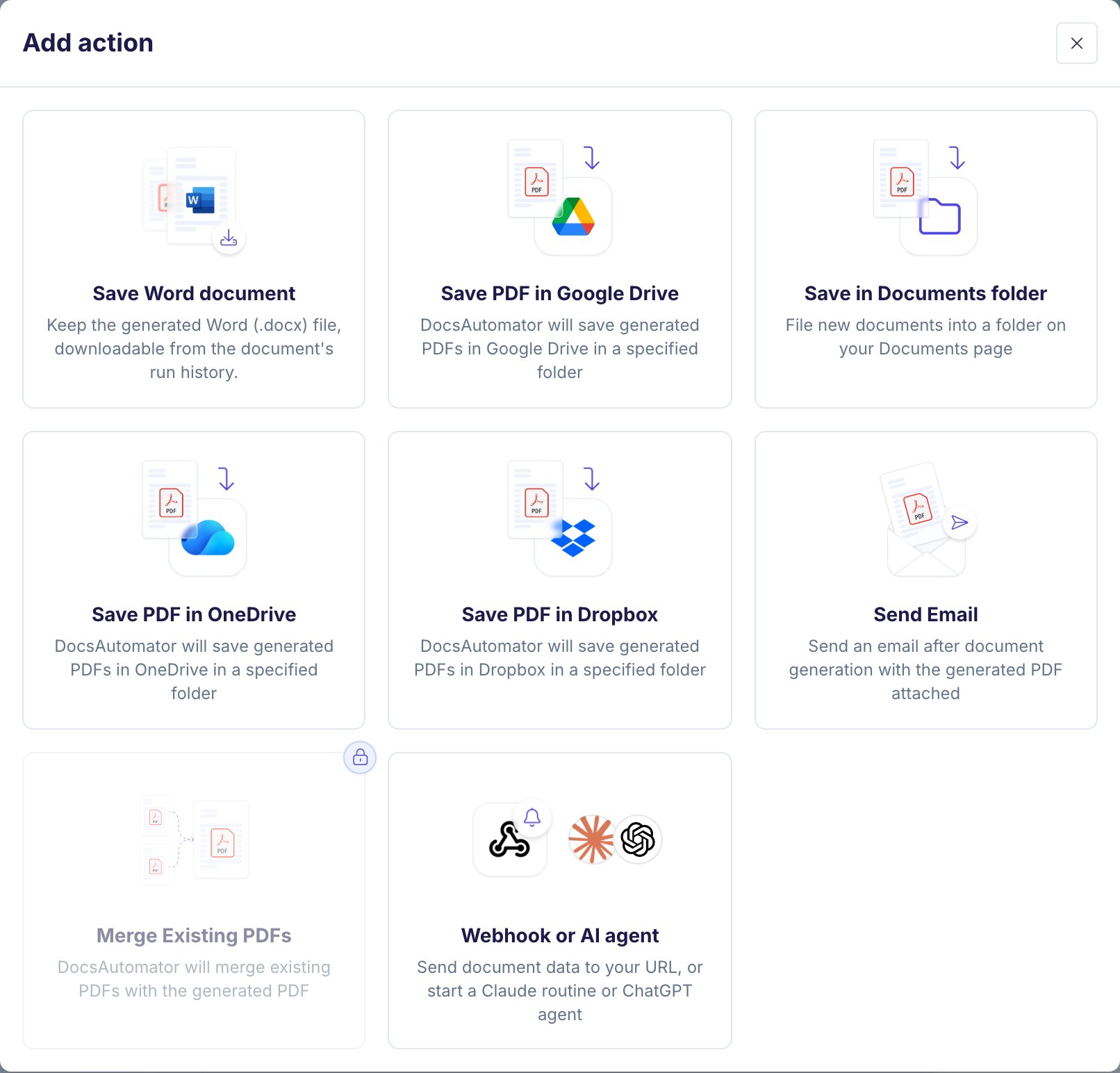
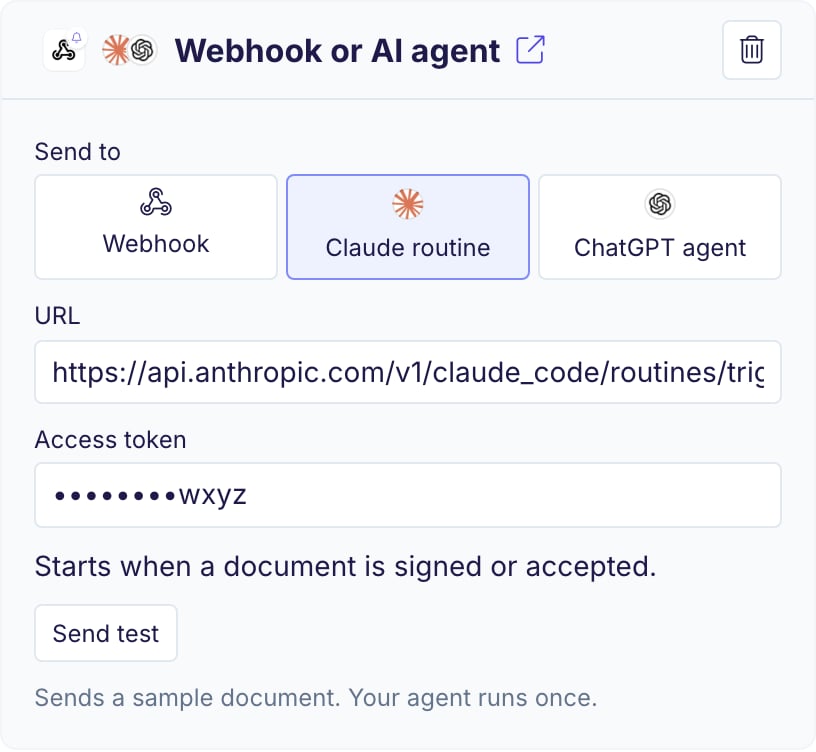
In the automation editor, open Actions, click Add action and pick Webhook or AI agent. Under Send to, choose Claude routine. Paste the URL and the access token. Each field saves when you leave it.
4
Send a test event
Click Send test. DocsAutomator sends a sample document and shows whether the routine accepted it. “Received.” means that the routine started once. You find the run in Claude under your routines.
Start a ChatGPT workspace agent
1
Allow agent tokens
A ChatGPT workspace admin must allow workspace agent access tokens in the workspace settings.
2
Add an API channel to the agent
Open your workspace agent in ChatGPT, add an API channel and save the agent. Copy the trigger URL and the access token.
3
Connect the agent in DocsAutomator
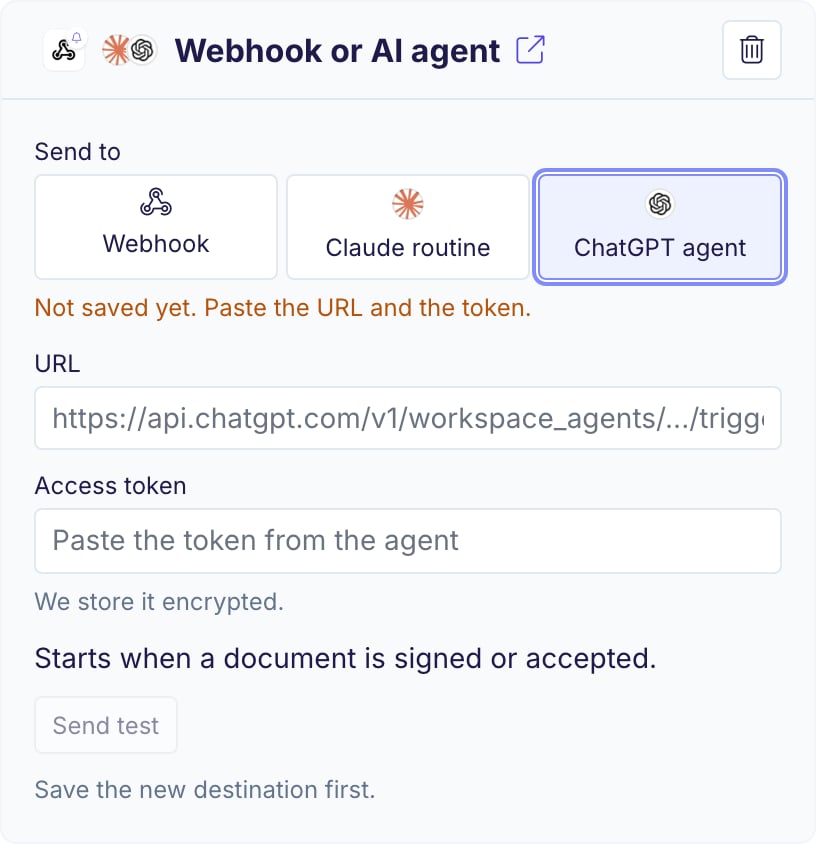
Add Webhook or AI agent and choose ChatGPT agent under Send to. Paste the URL and the access token. Each field saves when you leave it.
4
Send a test event
Click Send test. The agent’s answer appears in the agent’s ChatGPT conversation.
When the agent starts
The agent starts once per document:- With signing or acceptance on: when the document is signed or accepted. Each signer step, reminder, decline or expiry does not start it.
- Without signing or acceptance: when the document is created.
What the agent receives
DocsAutomator sends the token as theAuthorization header (Bearer <token>). For a Claude routine it also sends the anthropic-version header. The agent receives the event as one text value: {"text": "..."} for a Claude routine and {"input": "..."} for a ChatGPT agent. The text is the event as JSON:
All fields of each event are on the Notify Webhook page.
Your token stays with DocsAutomator
- The token is stored encrypted. The card shows it only as dots ending in its last 4 characters.
- You enter the token only in the DocsAutomator app.
- The token is sent only to the address it was saved for. If the trigger URL changes to another address, paste the token again and save.
- To replace the token, paste a new one and save. To stop, remove the Notify Webhook action.
Limits
- A Claude routine accepts up to 30 runs an hour, and a Claude account up to 100 API runs an hour. Each run uses your Claude plan’s usage.
- DocsAutomator sends the event once and does not retry. One document starts one run.